
You can set up your personal email signature so it automatically appears in your outbound emails.
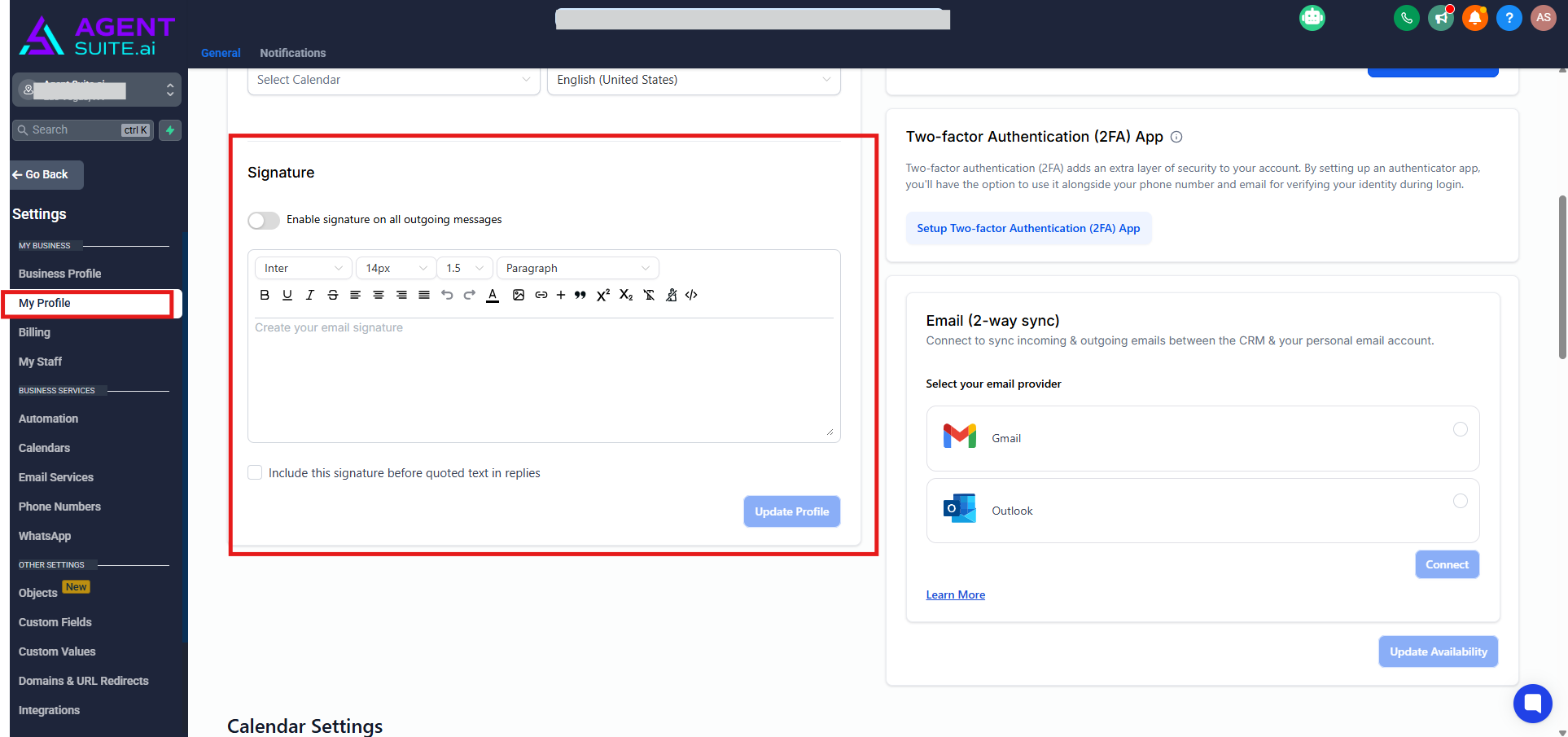
Go to Settings > My Profile.
Scroll down to the Signature section.
Add your desired text, links, or formatted content (you can use the editor to customize fonts, bold, italic, add images, or hyperlinks).
Click Update Profile to apply changes.
Your updated signature will now appear in your email communications sent through Agent Suite.