Custom values are user-defined data placeholders that store and manage specific information within a system or application. They allow users to organize and retrieve personalized or standardized data efficiently.
Managing Custom Values is essential for maintaining consistent, reusable content throughout funnels, forms, emails, and automations. Here's how you can create, update, or remove Custom Values.
Navigating to the Custom Values Menu
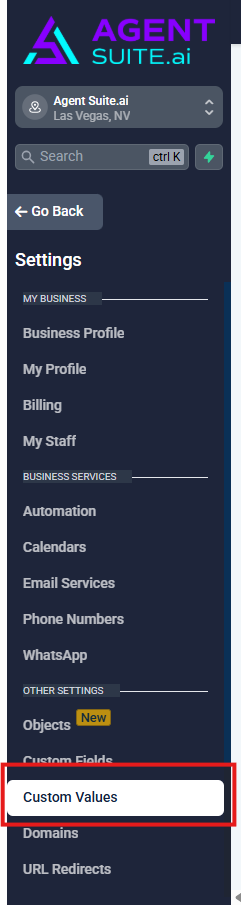
From the sub-account dashboard, click Settings in the left-hand navigation menu.
Select Custom Values from the list of settings options.
Creating a New Custom Value
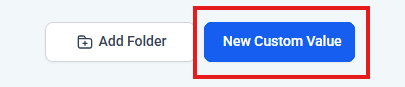
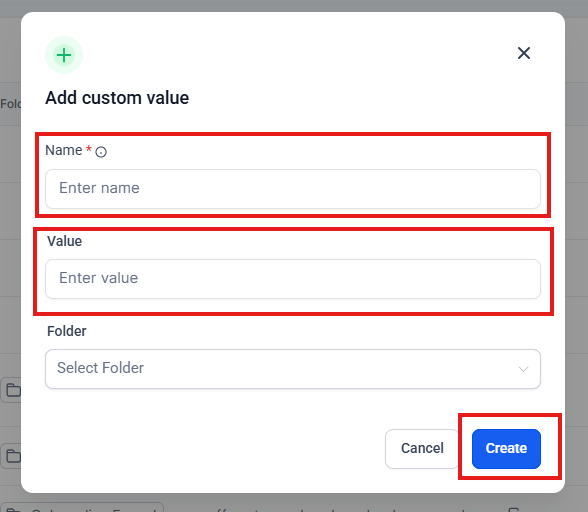
Click the blue + New Custom Value button.
Enter a name and the value you want it to display. Then select the folder to store the custom value.
Click Create.
Editing or Deleting a Custom Value
Locate the value you want to update in the list.
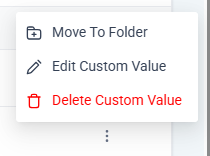
Click the 3 Dots icon (⋮) next to the entry and select Edit Custom Value or Delete Custom Value.