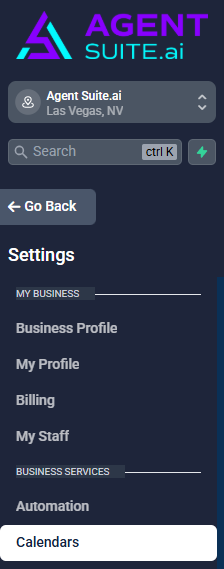
In your Agent Suite sub-account sidebar, go to Settings → Calendars.
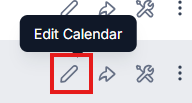
Then select the calendar you want to edit the availability and click Edit Calendars → Availability.
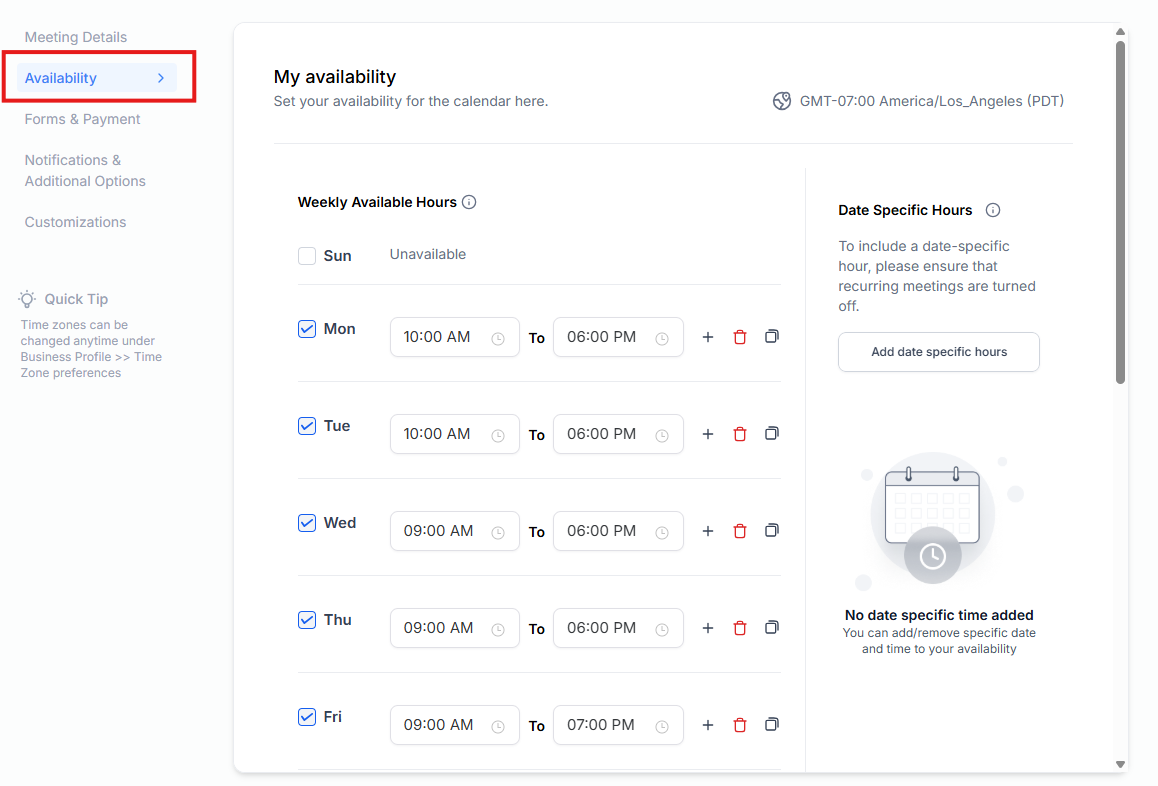
After setting the days and hours you’re taking the appointment, hit Save at the top right corner of the screen.