
Your personal booking calendar is your best friend when it comes to managing appointments. Once it's up, you'll wonder how you ever managed without it.
To use Google Calendar for scheduling appointments, it's essential to first create a HighLevel Personal Booking Calendar. This booking calendar serves as the foundation for your scheduling rules—allowing you to configure availability, buffer times, meeting durations, and reminders. Even if you use Google Calendar daily, this calendar is required to manage how bookings are accepted and displayed within HighLevel.
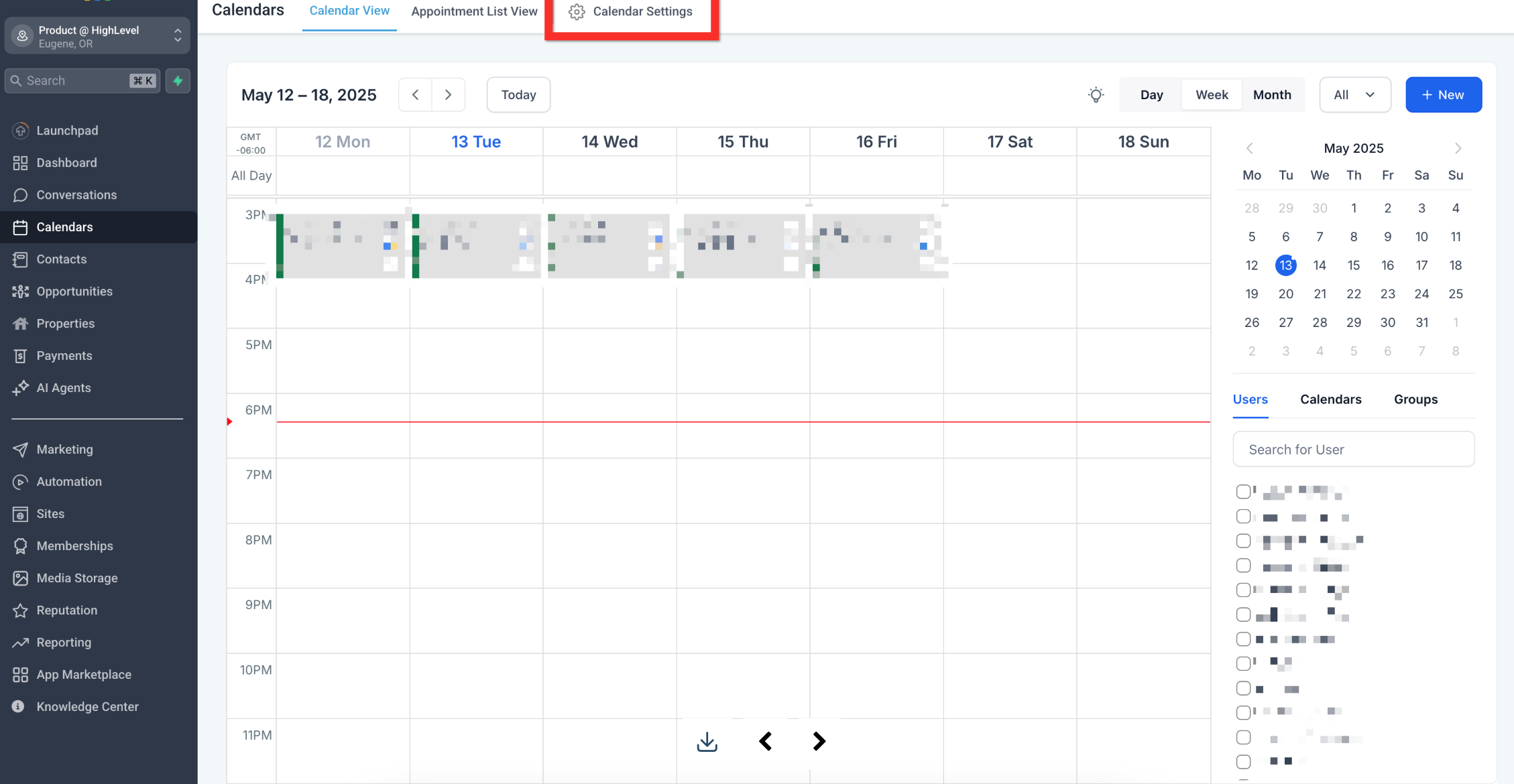
Navigate to Calendar > Calendar Settings
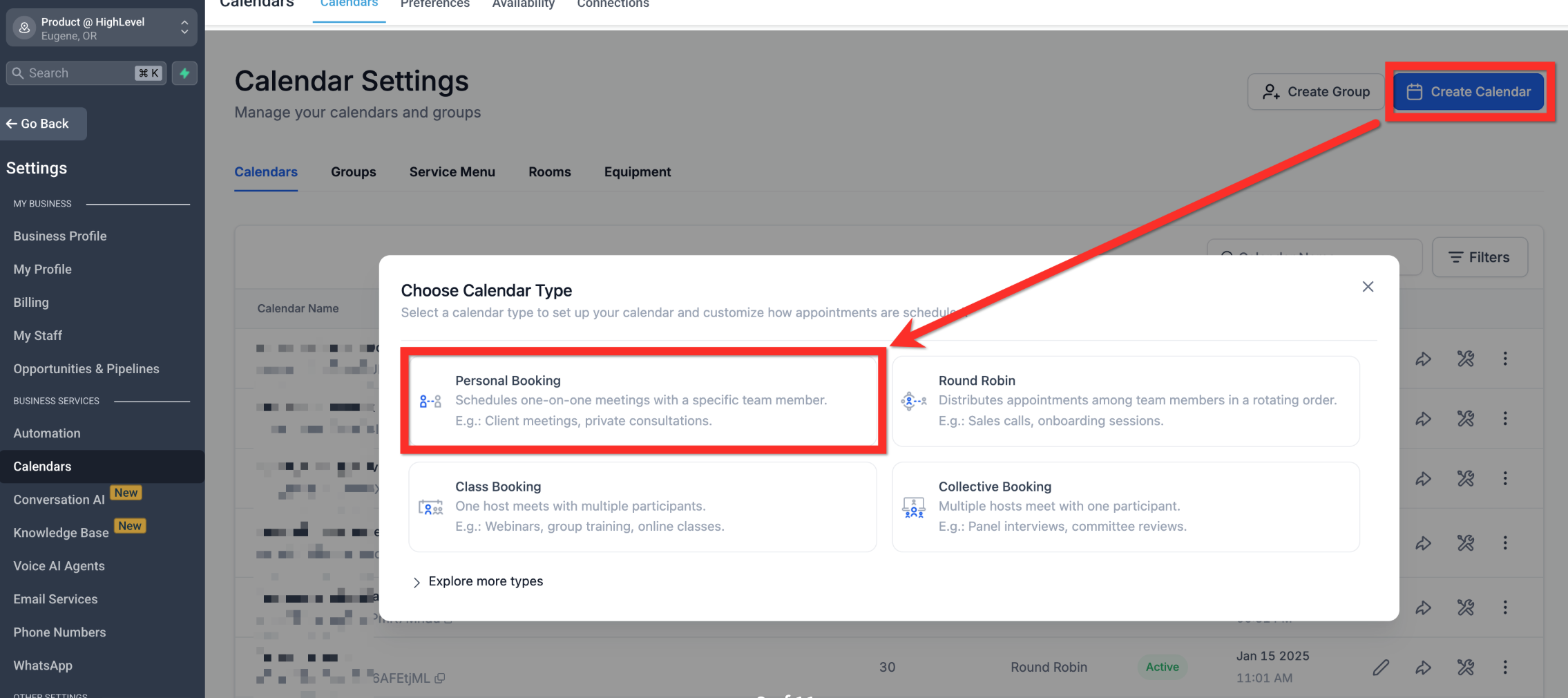
Click Create Calendar.
Select calendar type (for 1-on-1 meetings, choose Personal Booking).
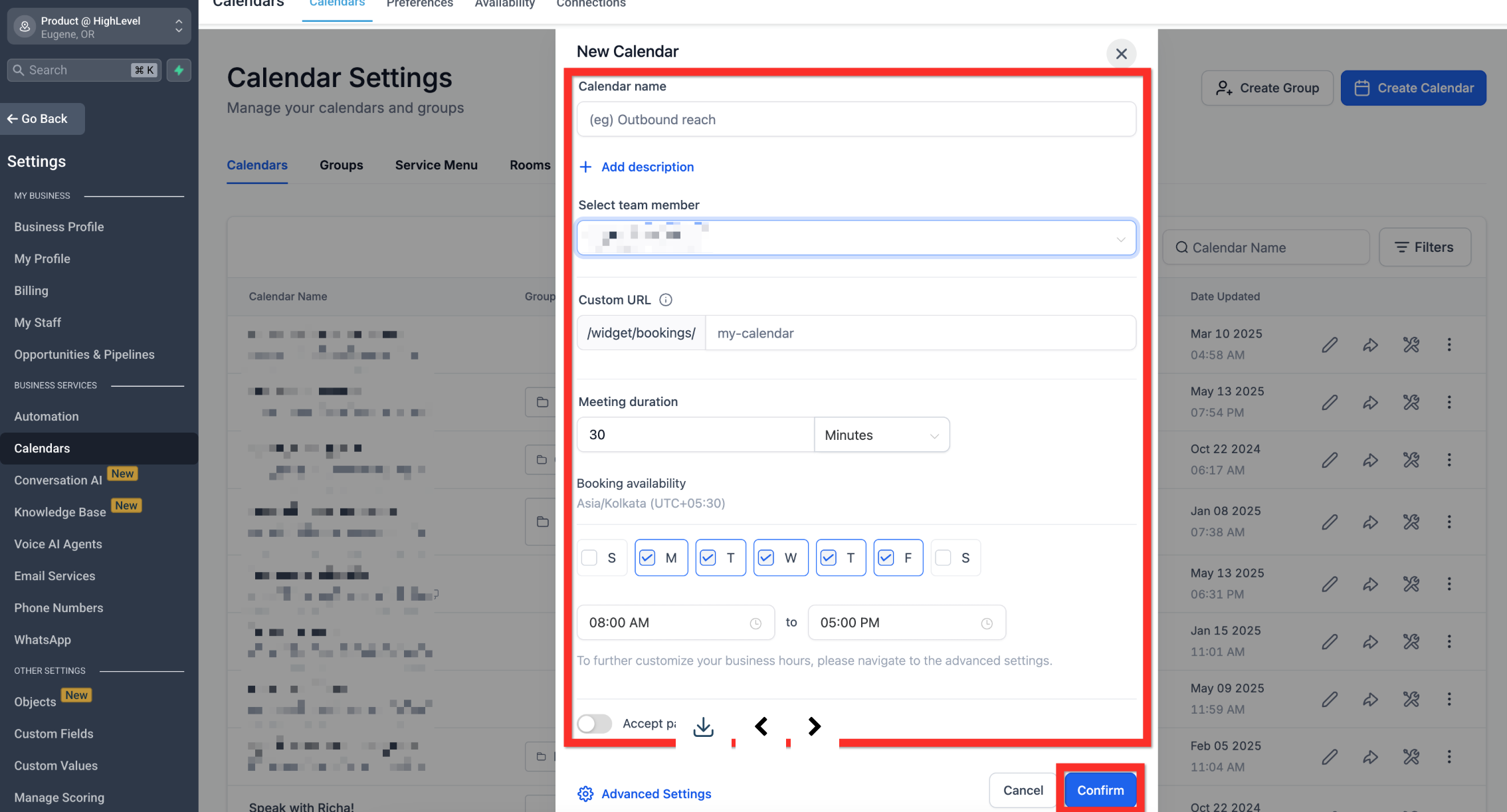
Fill in your calendar details (give it a friendly name, select yourself as the host, create a custom URL, specify appointment duration, and set your available hours).
Click Confirm.
Copy the calendar link or embed code.
Share the calendar link to start booking appointments!