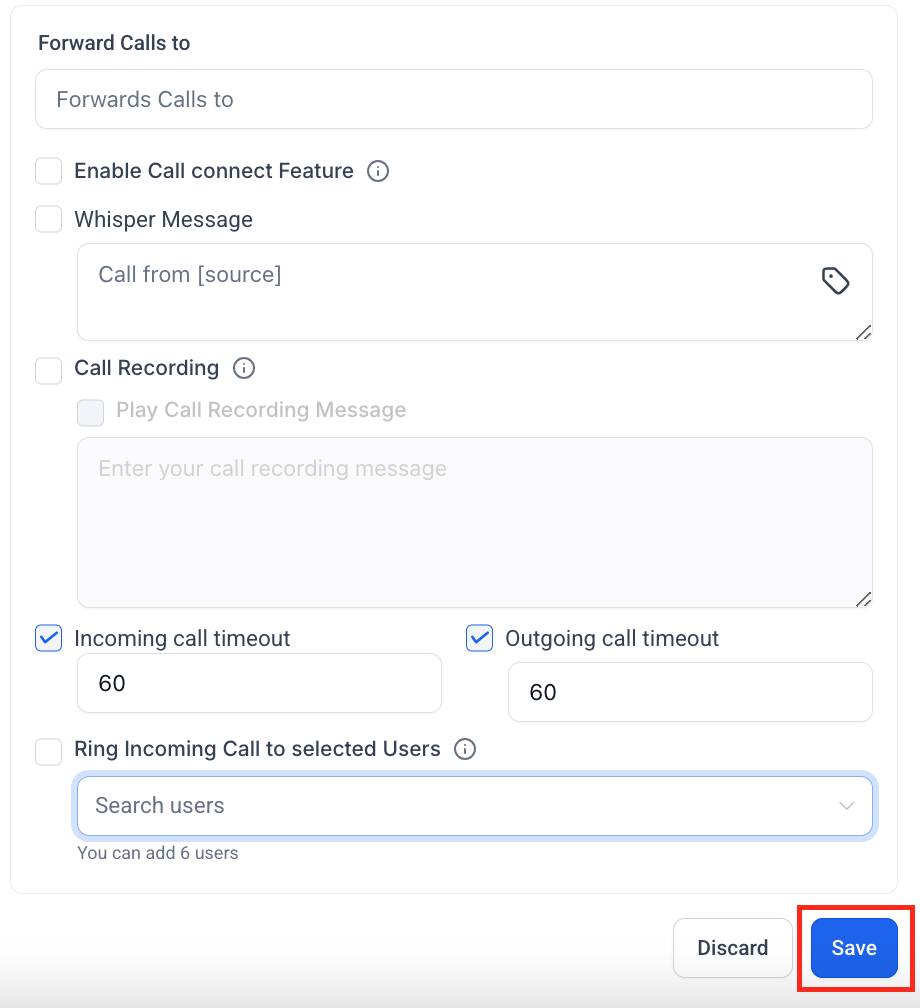
Stay responsive by directing incoming calls to the number that's most convenient for you:
Navigate to Settings > Phone Numbers.
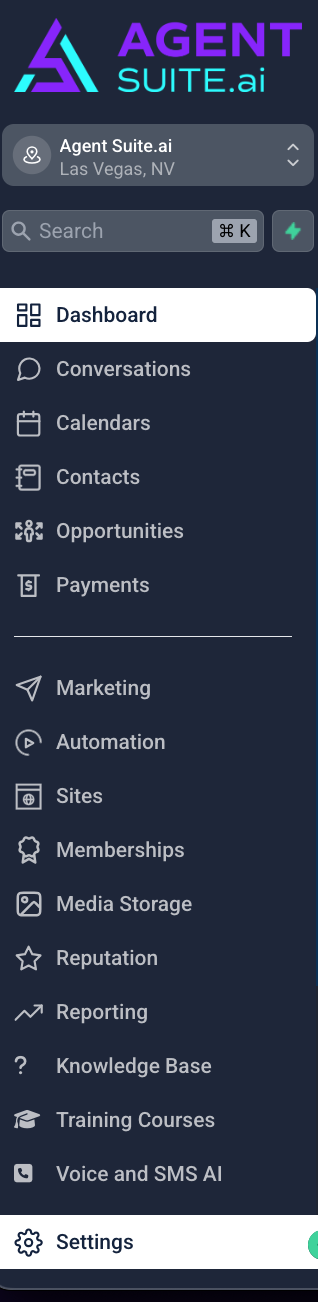
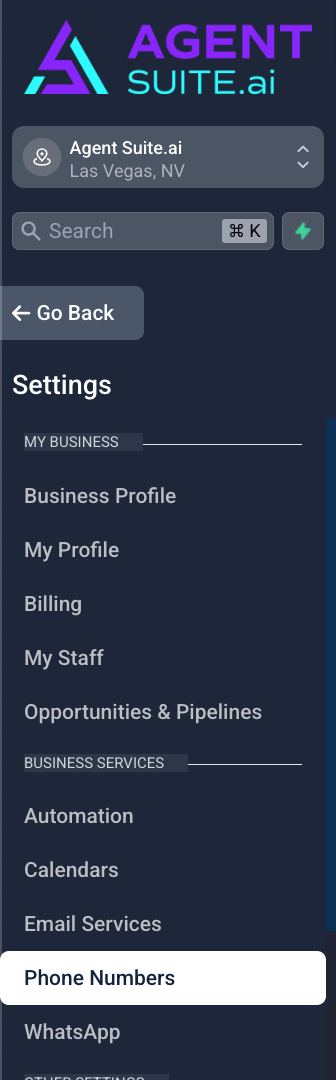
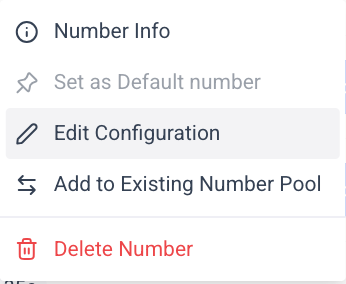
Click the 3-dot action menu next to your phone number.

Click Edit Configuration.
Enter your preferred forwarding number (e.g., your personal mobile).

Click Save.