
Steps:
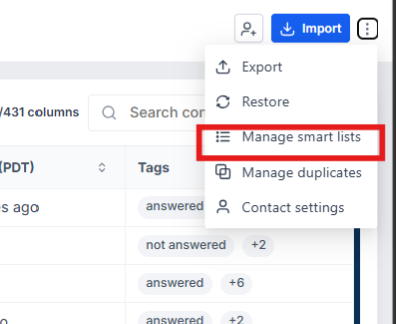
1. Go to Contacts and click the three dots.
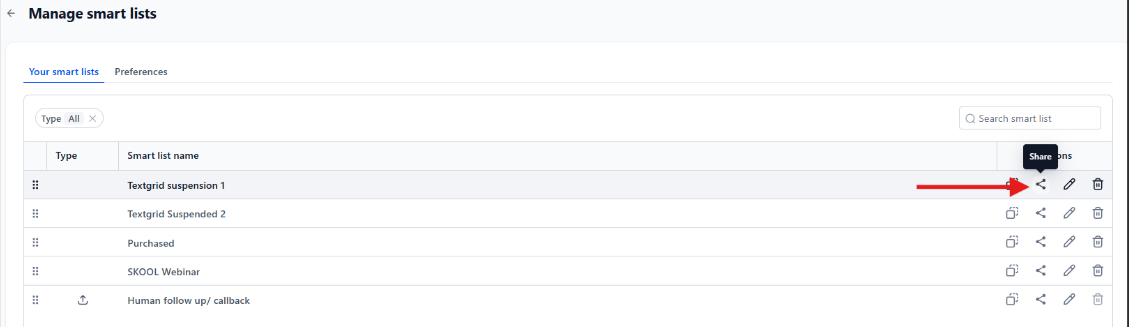
Select Manage Smart Lists, then choose the Smart List you want to share.
Click Share.
Select the Admin or VA you want to share it with, then click Save.
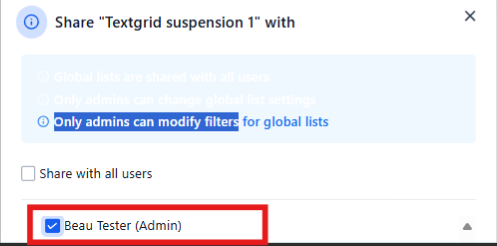
Quick note: Make sure you’re careful when giving access, as users with permission can also make changes to the Smart List.