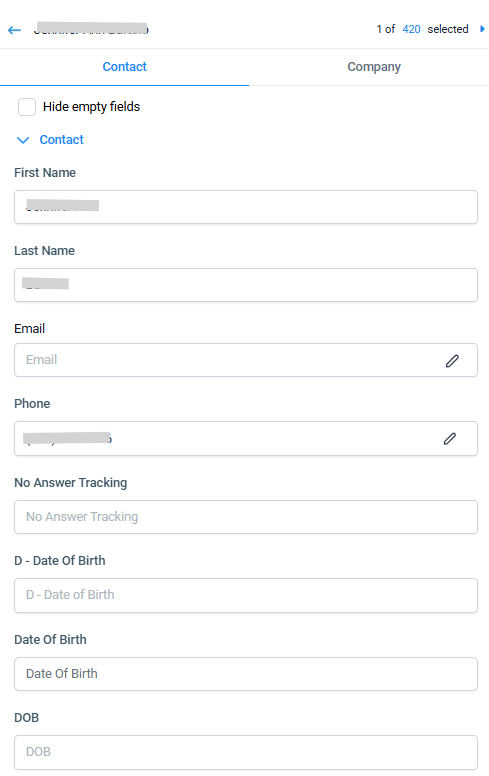
Keep your contact information current and accurate. Editing contacts is quick and straightforward, ensuring your data stays up-to-date:
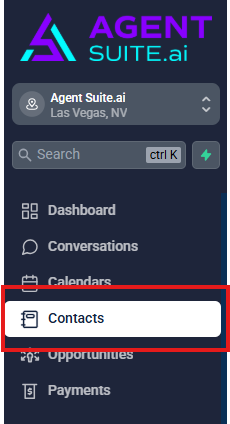
Navigate to Contacts.
Click on a contact row to open the contact card you wish to edit.

Make the necessary updates on the left-hand side. If you don't see the contact field you need to add information to, use the Create New Custom Field checklist or simply uncheck the box that hides empty fields. Click Save to apply your changes.