
Follow these steps to select the phone number that your workflow will use to send messages. If you are a Sole Proprietor, you can also use this setup to ensure that only your A2P-verified number is used when sending automated messages.
Steps:
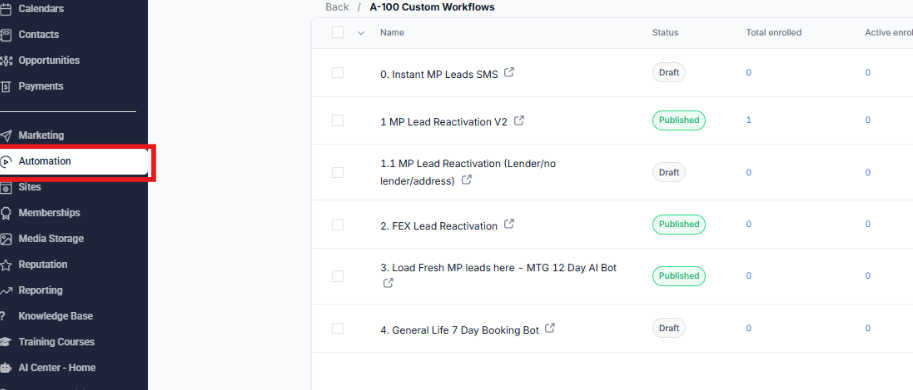
Go to Automation and select the workflow you want to set up.
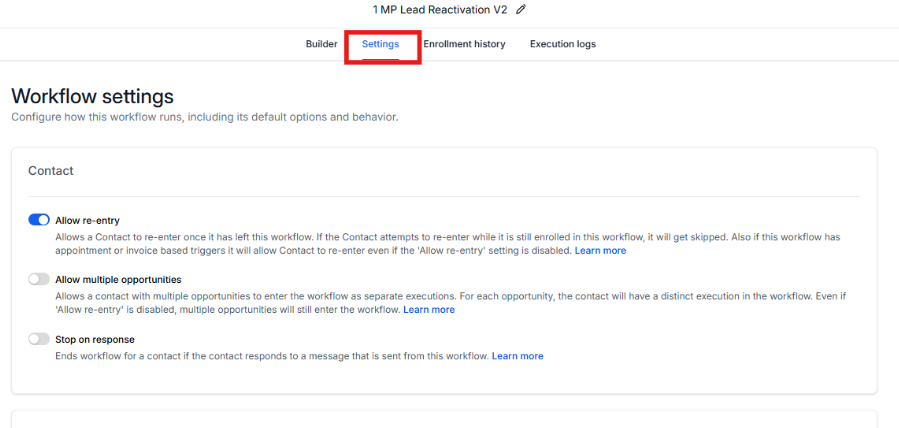
Click Settings within the workflow.
Look for From Number.
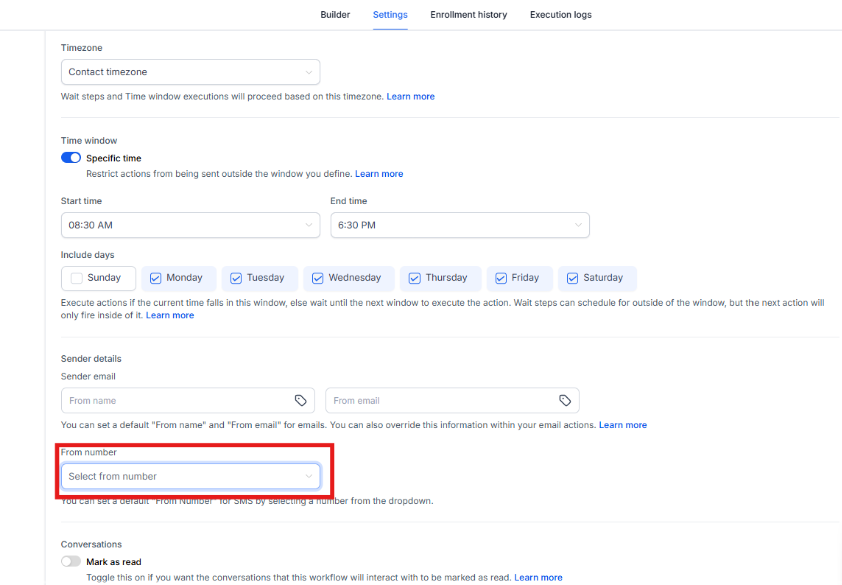
Select the phone number you want to use for the workflow.
Note: The selected number will be the only phone number the workflow will use to send messages.