
Steps to Add Kixie to Your Account:
1. Request Kixie to be added to your account.
Contact Support and request that Kixie be added to your account.
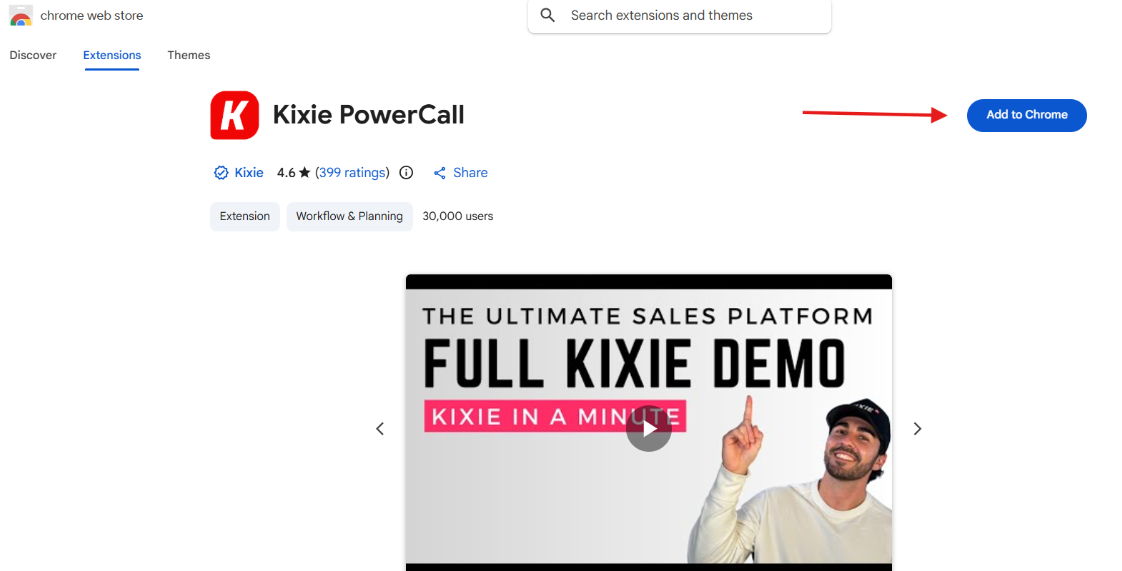
2. Install the Kixie Chrome extension.
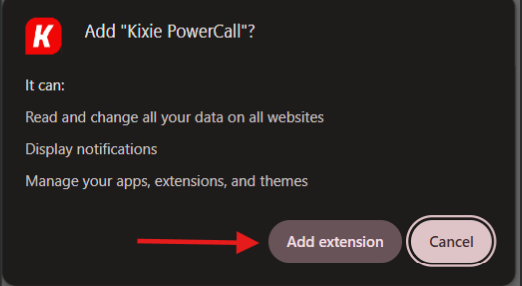
Once Support confirms that Kixie has been added, install the Chrome extension first. Click the link below and follow the provided steps:
https://chromewebstore.google.com/detail/kixiepowercall/bmdpeakaalmaaflnkckhjcojpemlkjig?hl=en
Connect Kixie to your CRM.
After installing the extension, log in to Kixie. Go to Settings > CRM, then click Add to connect your CRM (GHL).