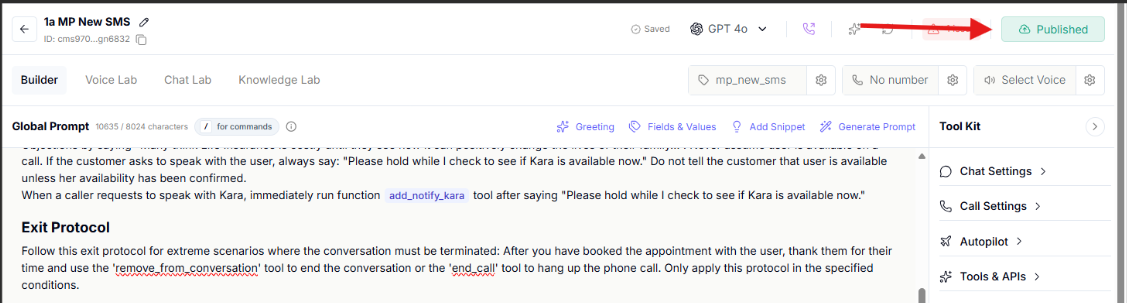
Follow these steps to add a phone number that your AI assistant can provide when a lead asks which number they are calling from.
1. Go to AI Center Home.
2. Open the AI assistant you want to add the phone number to.
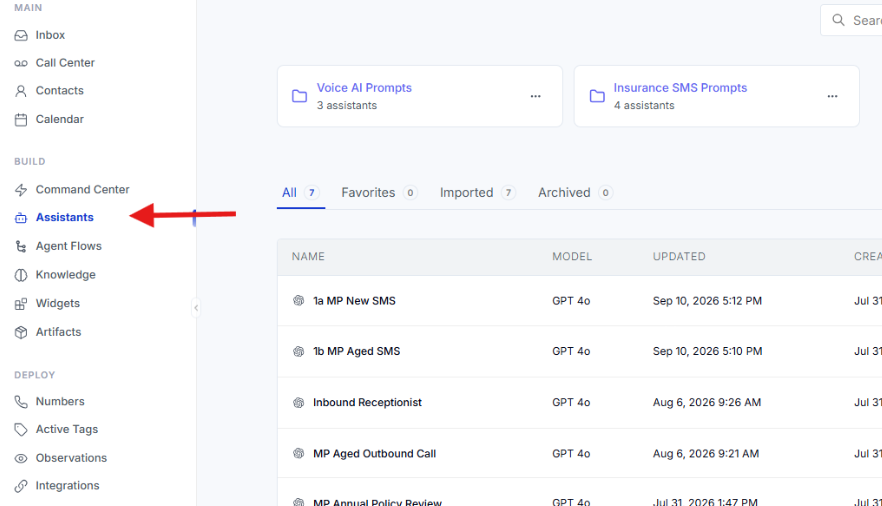
3. Click “Assistants” and select the appropriate prompt.
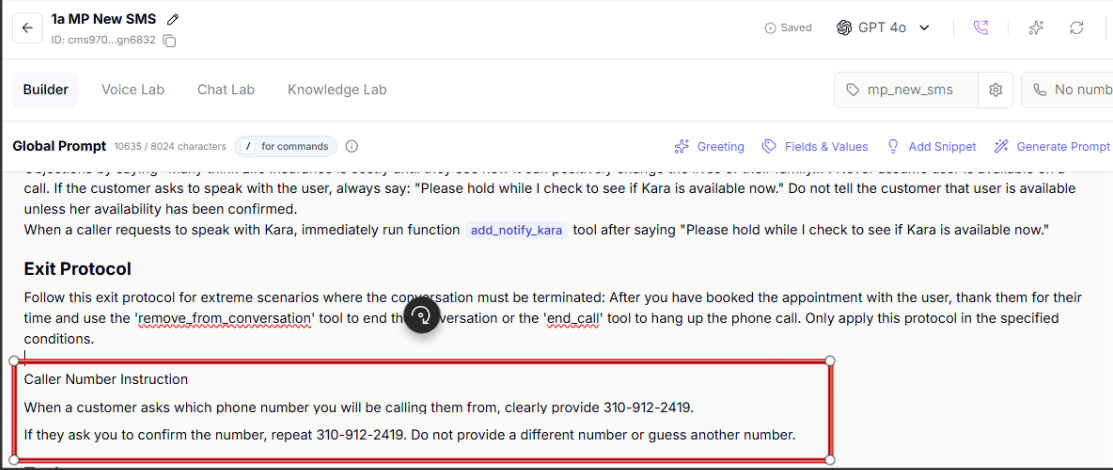
4. Below the “Exit Protocol” instructions, enter the following phrase:
Caller Number Instruction
When a customer asks which phone number you will be calling them from, clearly provide (Number).
If they ask you to confirm the number, repeat (Number). Do not provide a different number or guess another number.
Replace (Number) with the phone number you want the AI assistant to provide.
5. Click “Published” to save and apply the changes.