
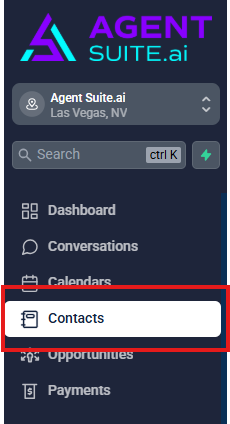
Navigate to Contacts in the main menu.
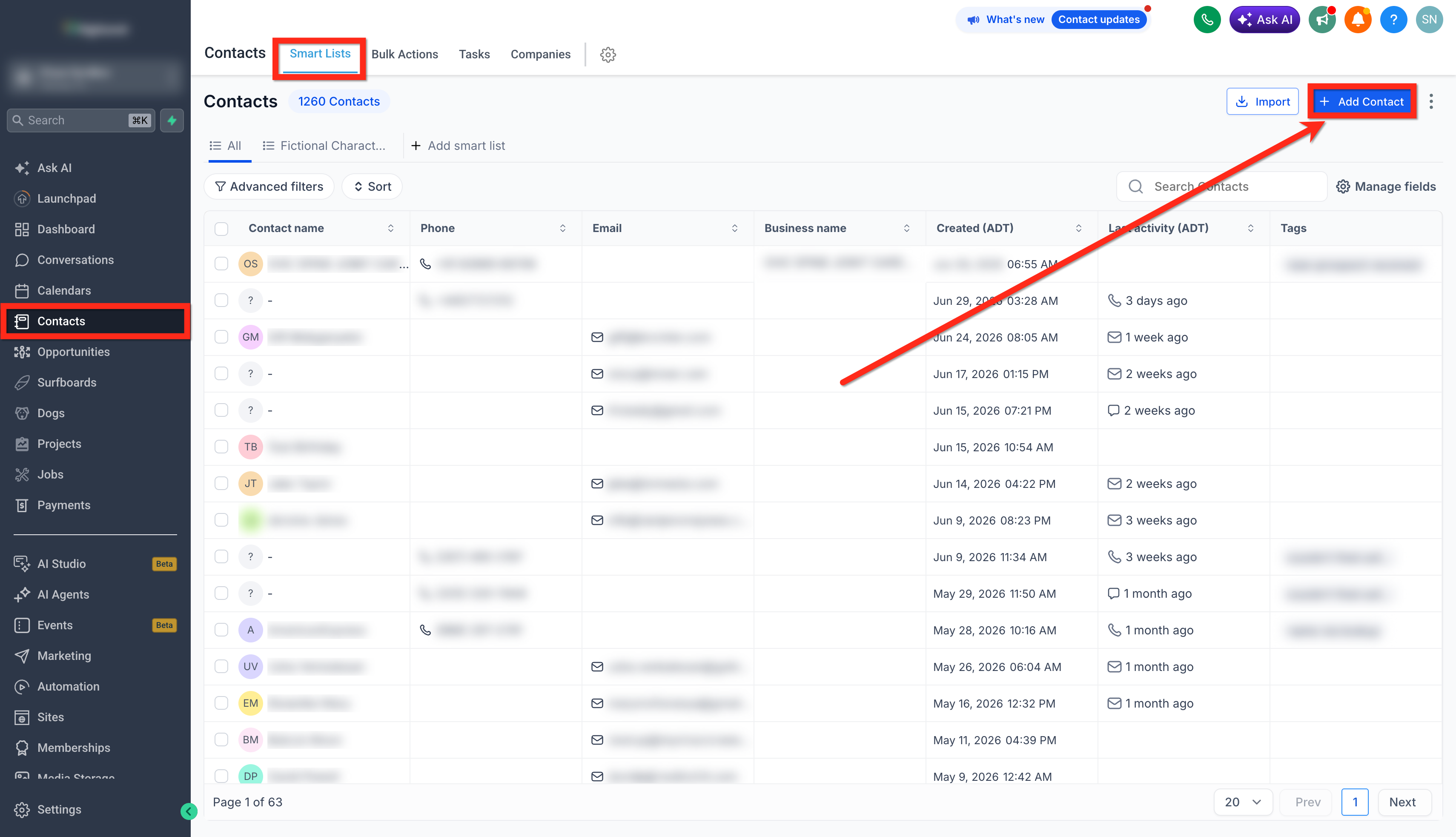
Click the Add Contact button.
Enter the contact details (name, email, phone, and timezone). Remember, the more information you provide, the easier it will be to personalize your engagements. If you don't see the contact field you need to add information to, use the Create New Custom Field checklist.
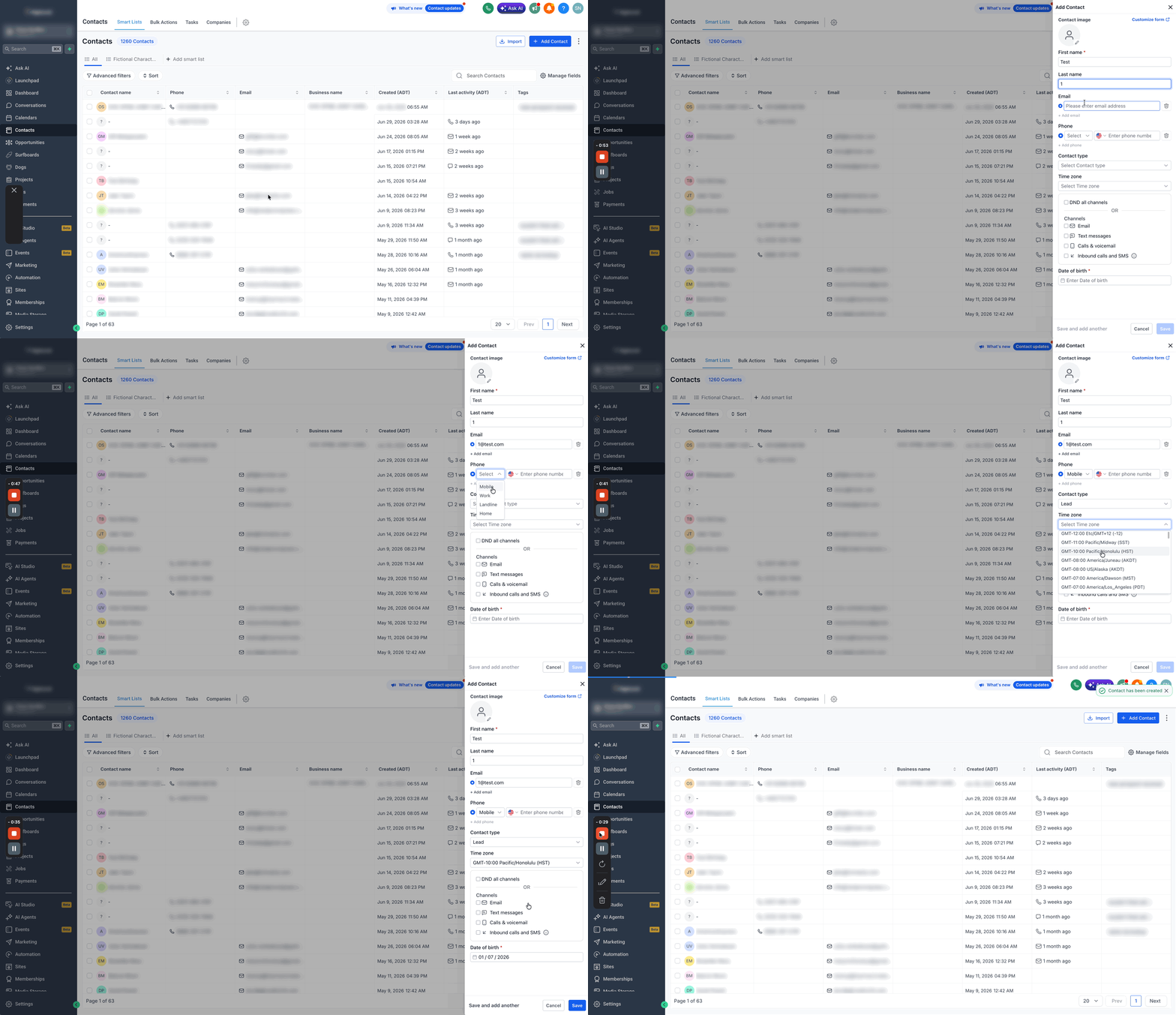
Click Save.