Step-by-Step Instructions:
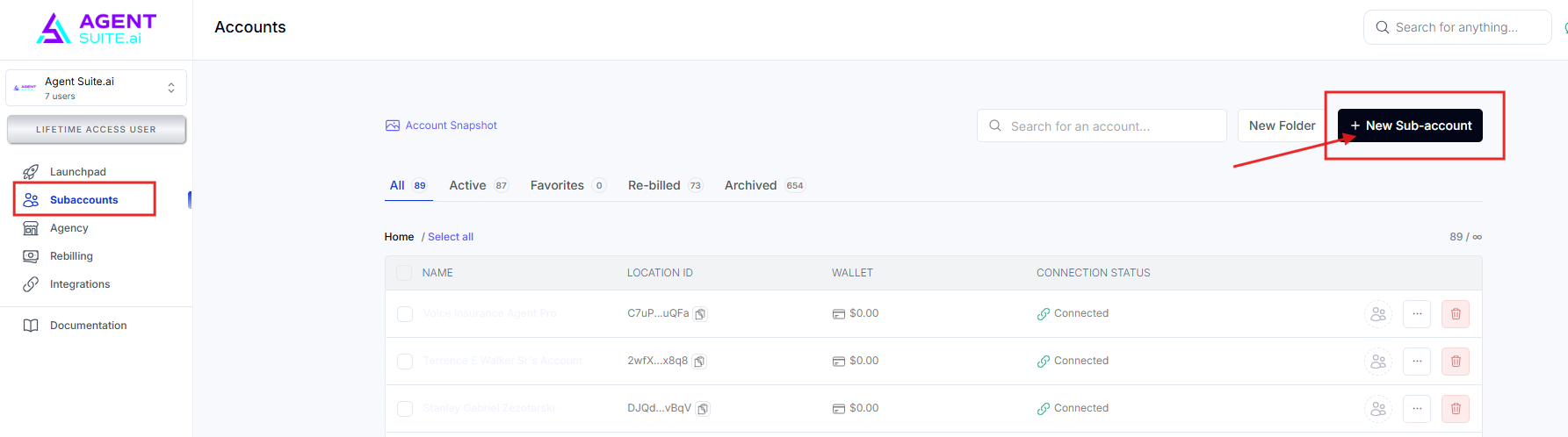
Navigate to Subaccounts and click the New Sub-account button.
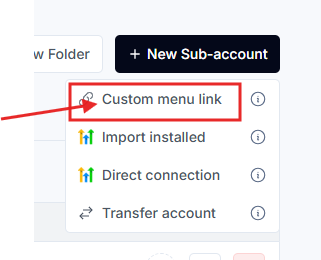
Click on the Custom Menu Link option.
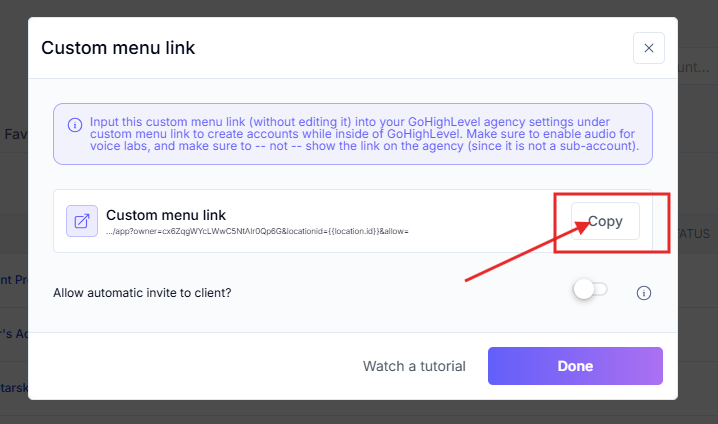
Copy the Custom Menu Link.
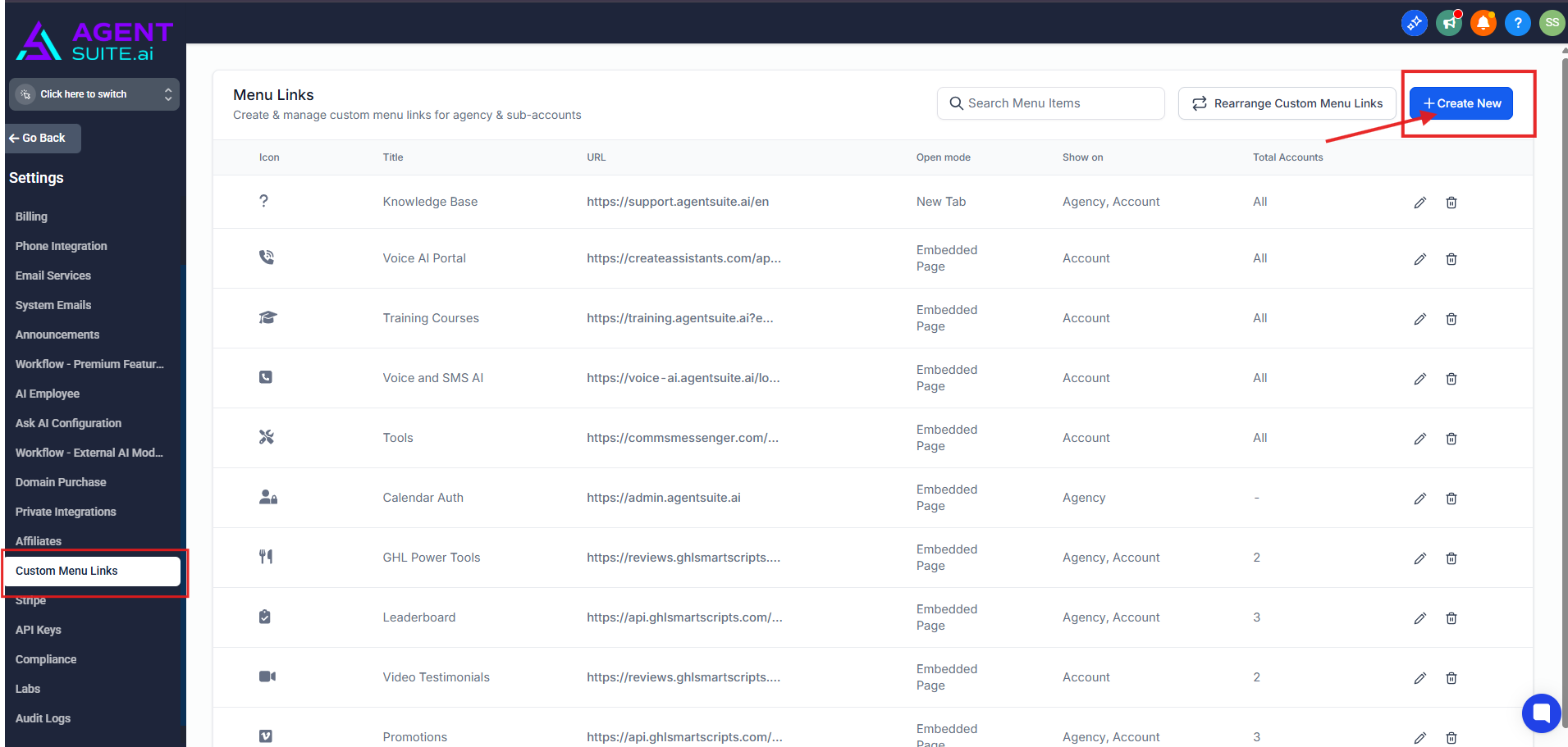
Navigate to Settings in the Agency View of your GoHighLevel account. Click on Custom Menu Links. Then click Create New.
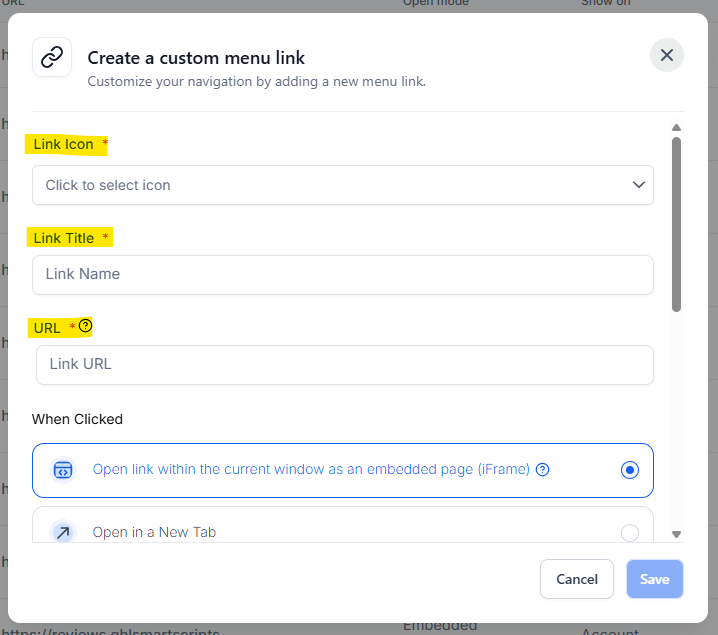
Choose an icon and name for your Custom Menu Link, then paste the Custom Menu Link you copied earlier.
Scroll down and de-select the Agency Sidebar if you prefer an uncluttered Agency View. This step is optional. Then, select which sub-account should gain access to your sub-account. Note that when a Custom Menu link is clicked for the first time within your sub-account, a new sub-account will automatically be created in the system and connected to the GHL sub-account.
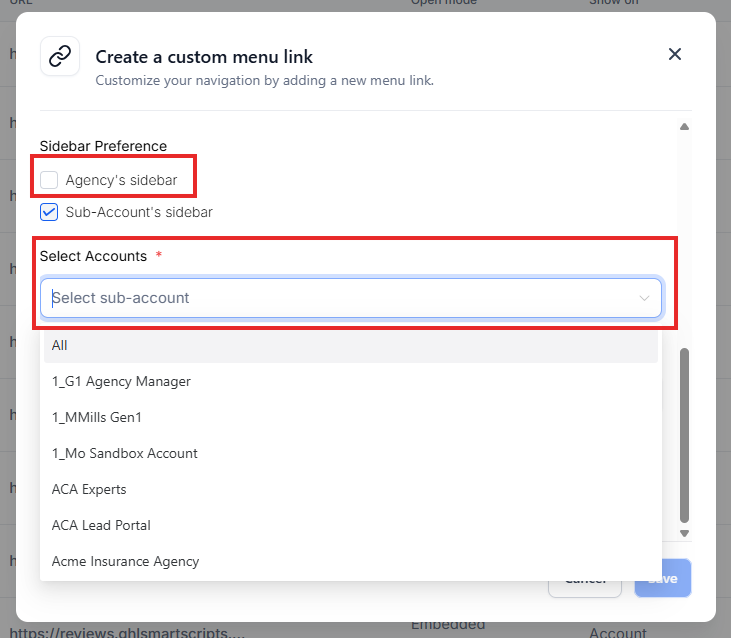
If you want to grant access to all sub-accounts but manually restrict specific ones, click the dropdown and select ALL.

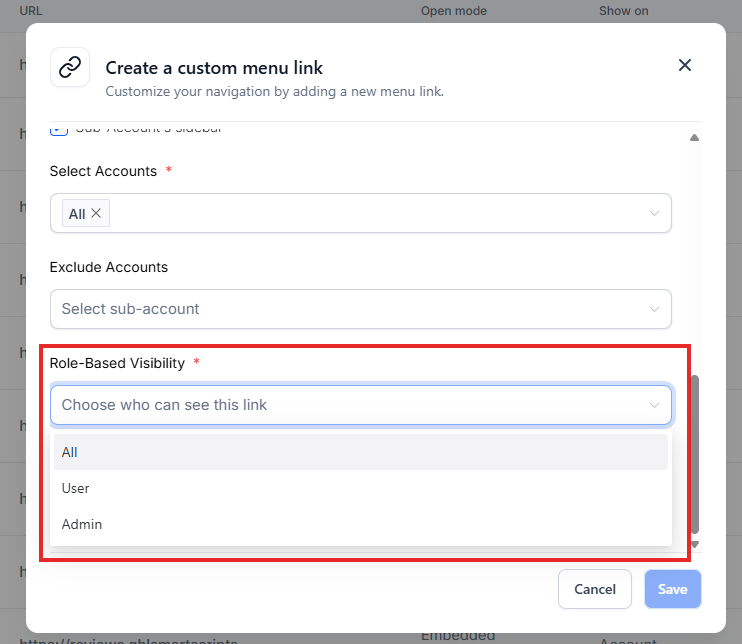
Restrict the Custom Menu Link based on the user roles within your sub-account.
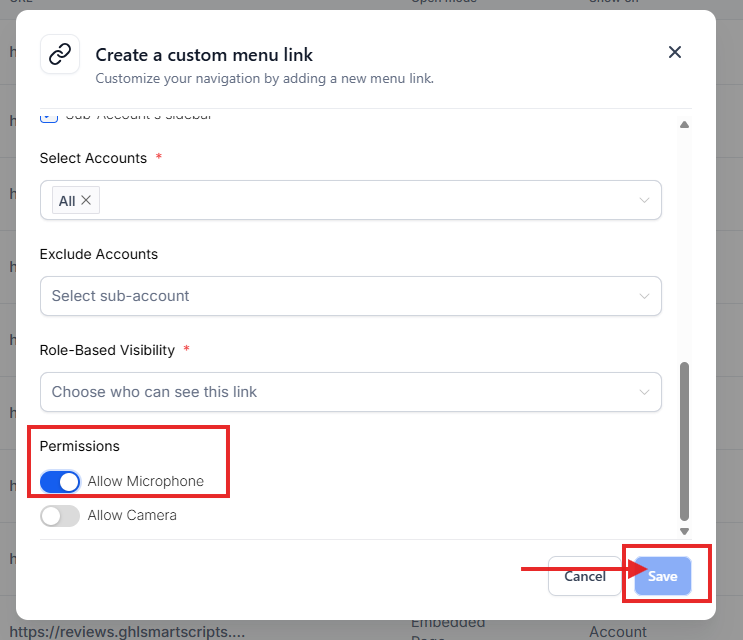
Allow microphone access so you can use features like Voice Lab, then click Save.