Step-by-Step Instructions:
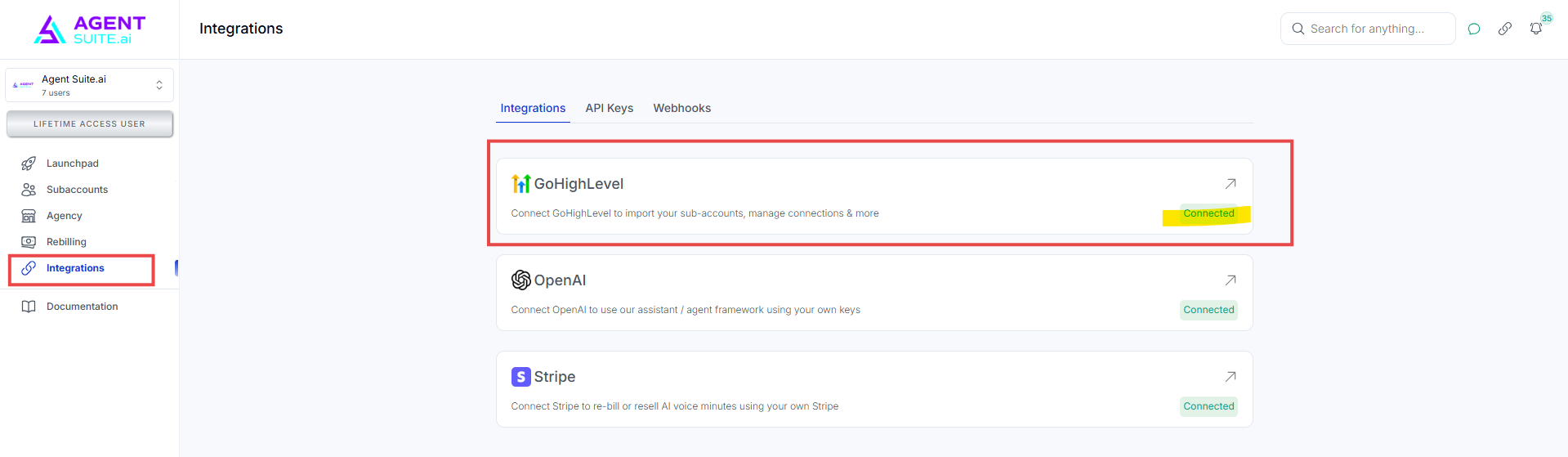
Navigate to your Integrations tab in your Voice Workspace.
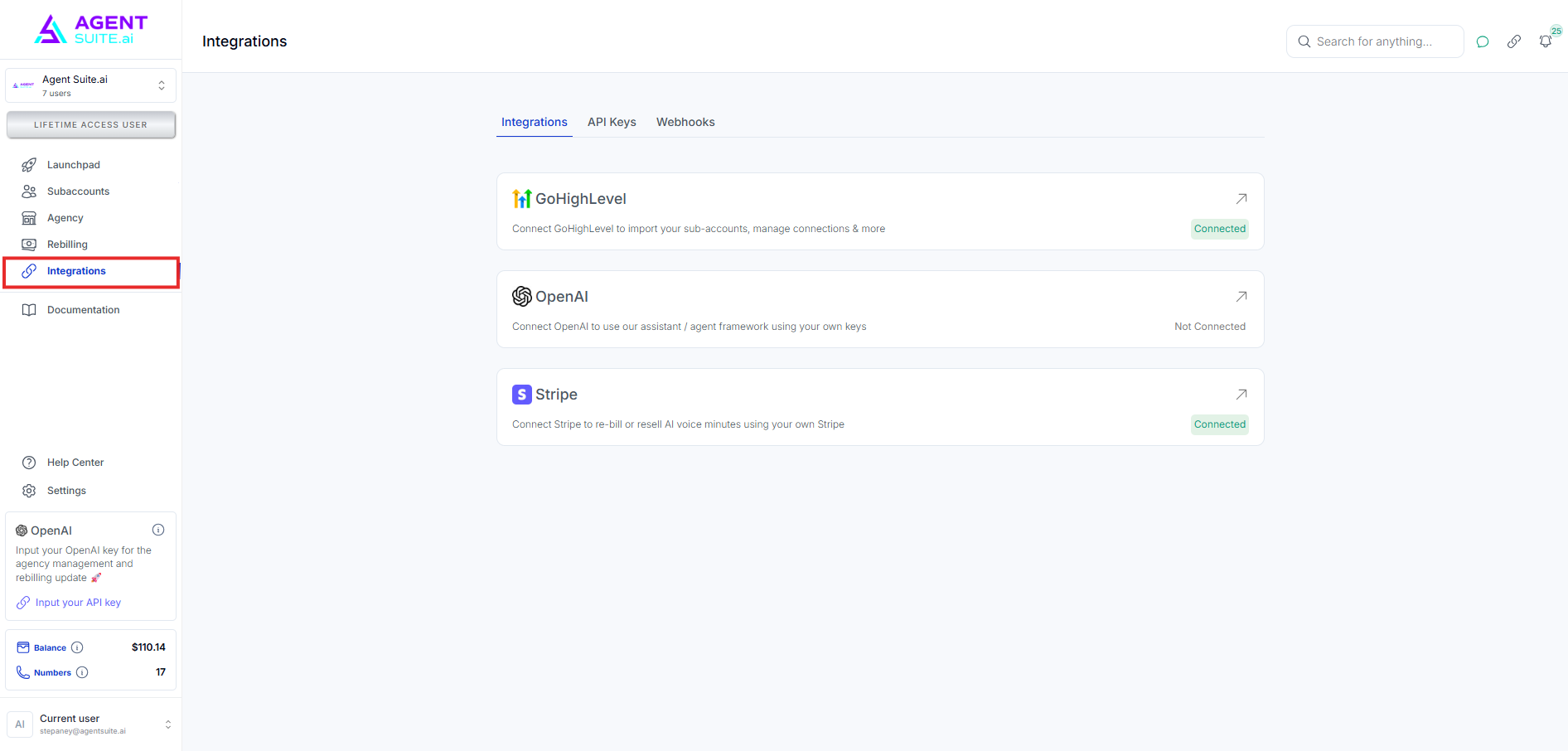
Select GoHighLevel.
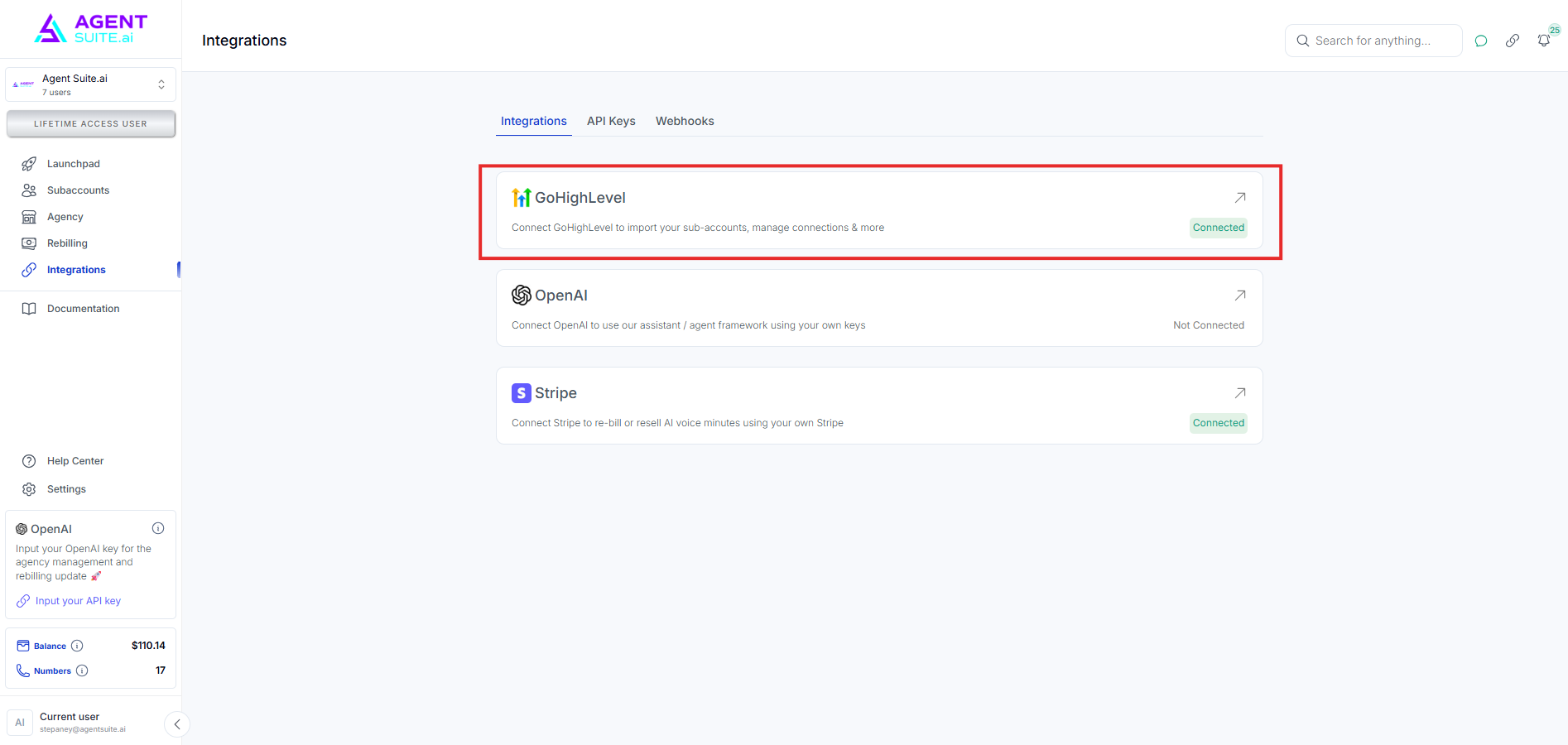
Click Connect to GHL.
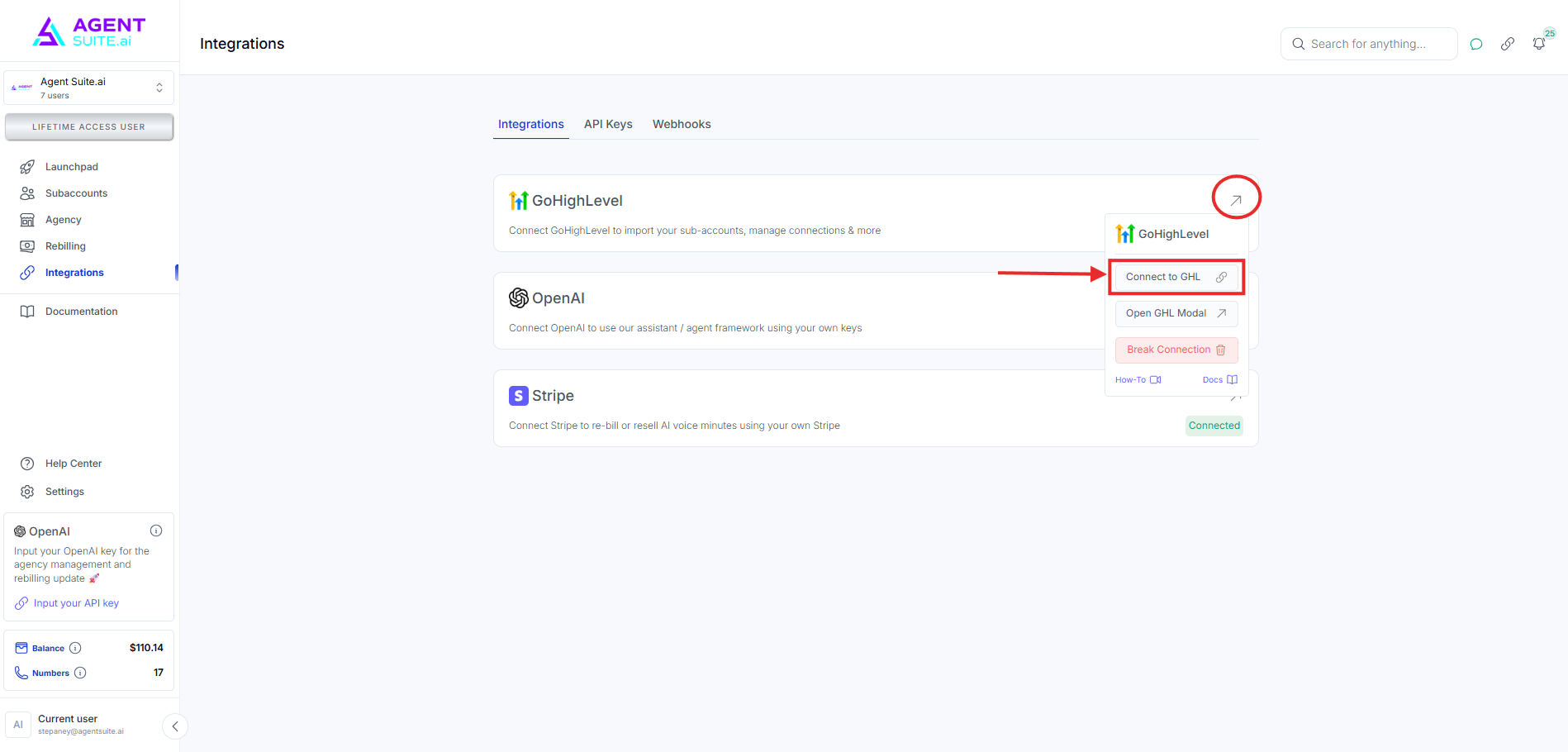
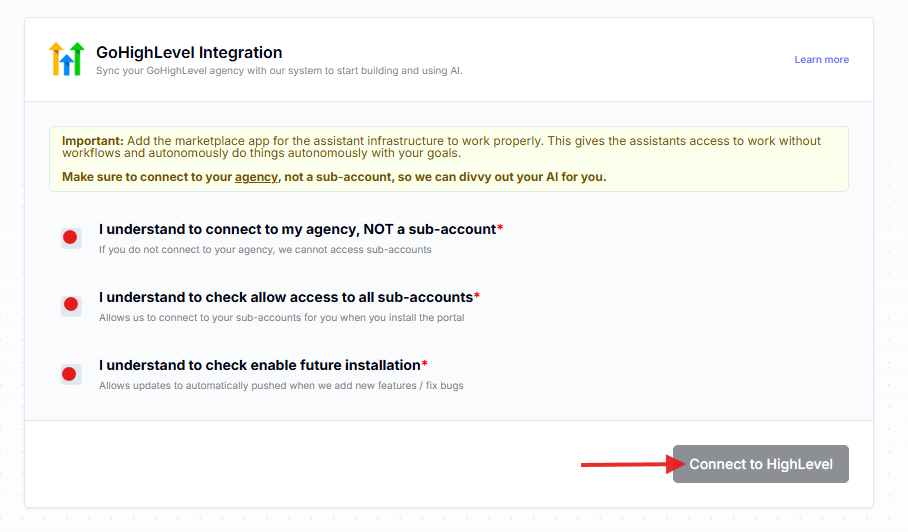
Select all three to connect to your agency, then click Connect to HighLevel.
I understand to connect to my agency, NOT a sub-account.
I understand to check allow access to all sub-accounts.
I understand to check enable future installation.
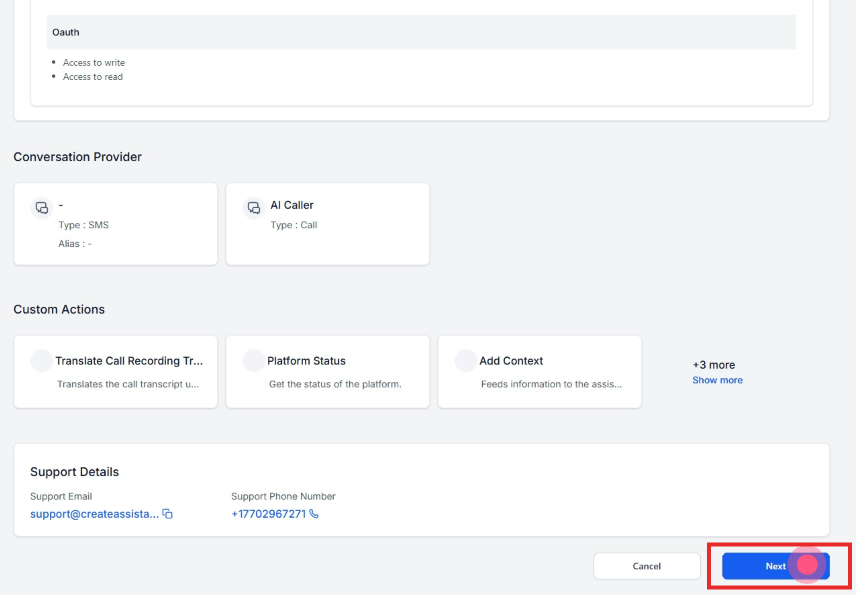
Scroll down and hit Next.
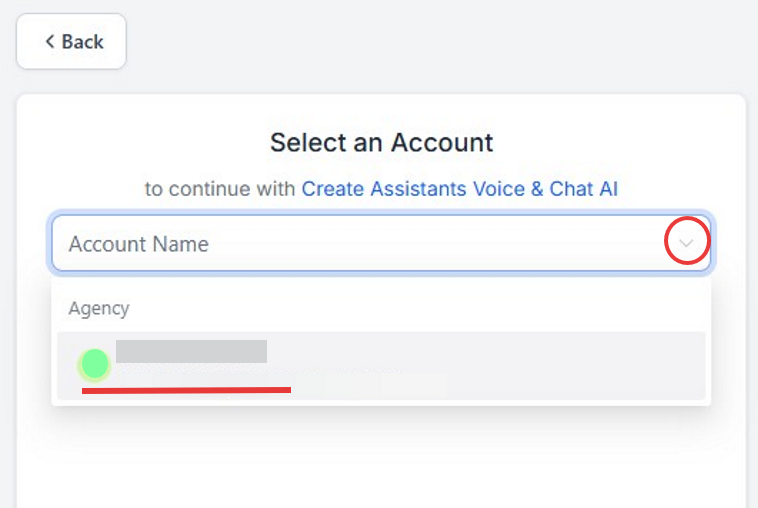
Select the GHL account you would like the Voice AI to connect to.
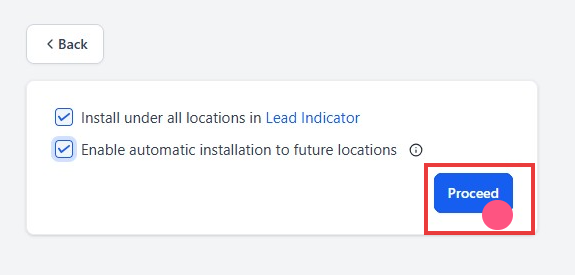
Select the two checkboxes
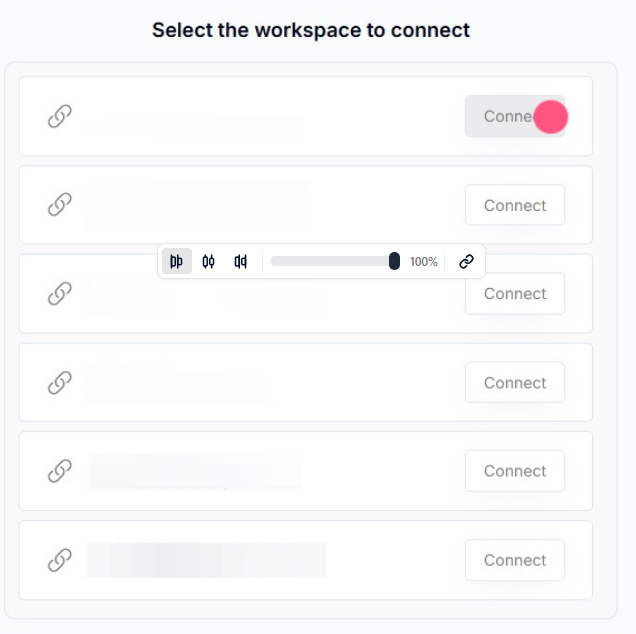
Select the workspace you want to connect to GHL.
Navigate back to Integrations and check if your GoHigheLevel is now connected.