Step-by-Step Process
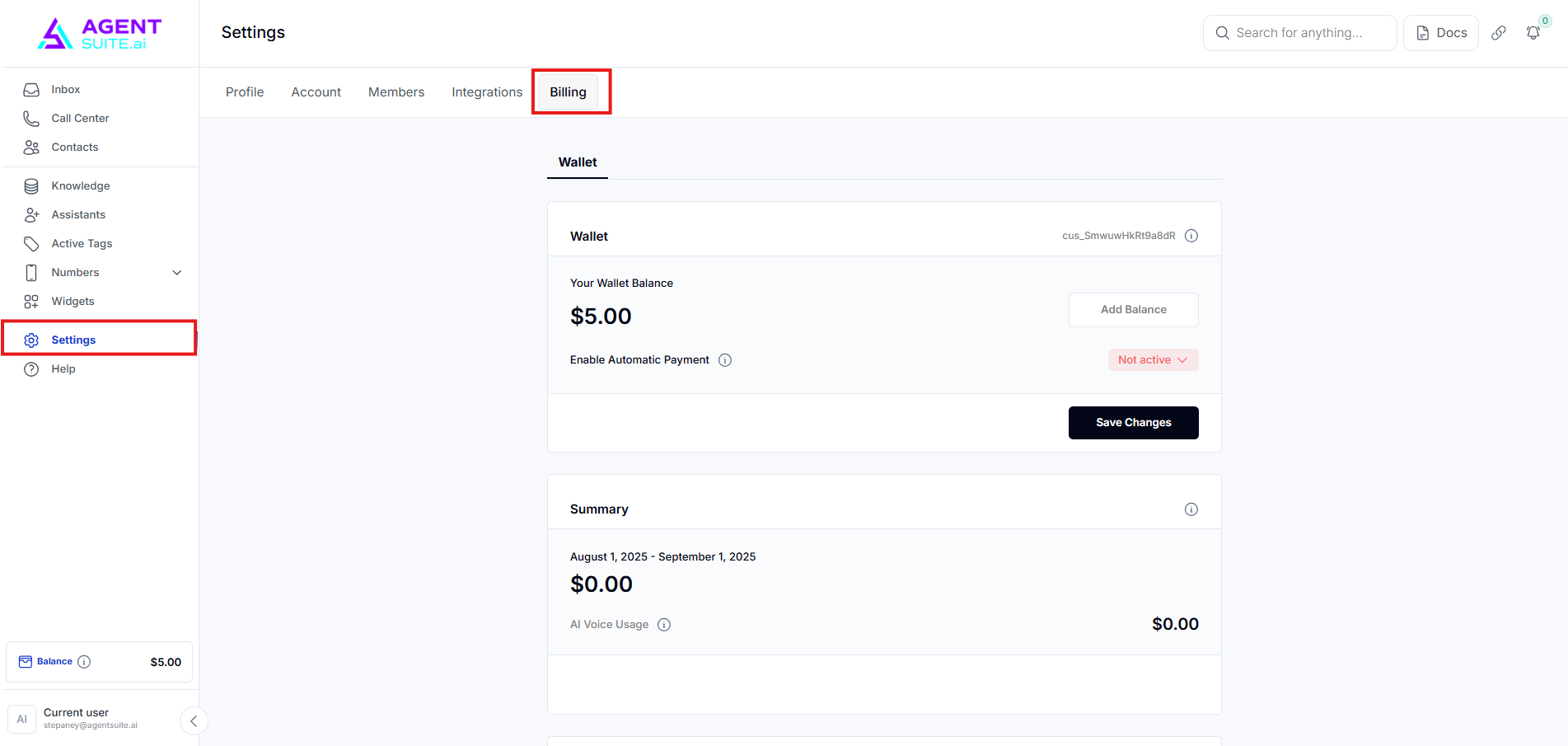
Navigate to Settings. Click Billing on the top navigation menu.
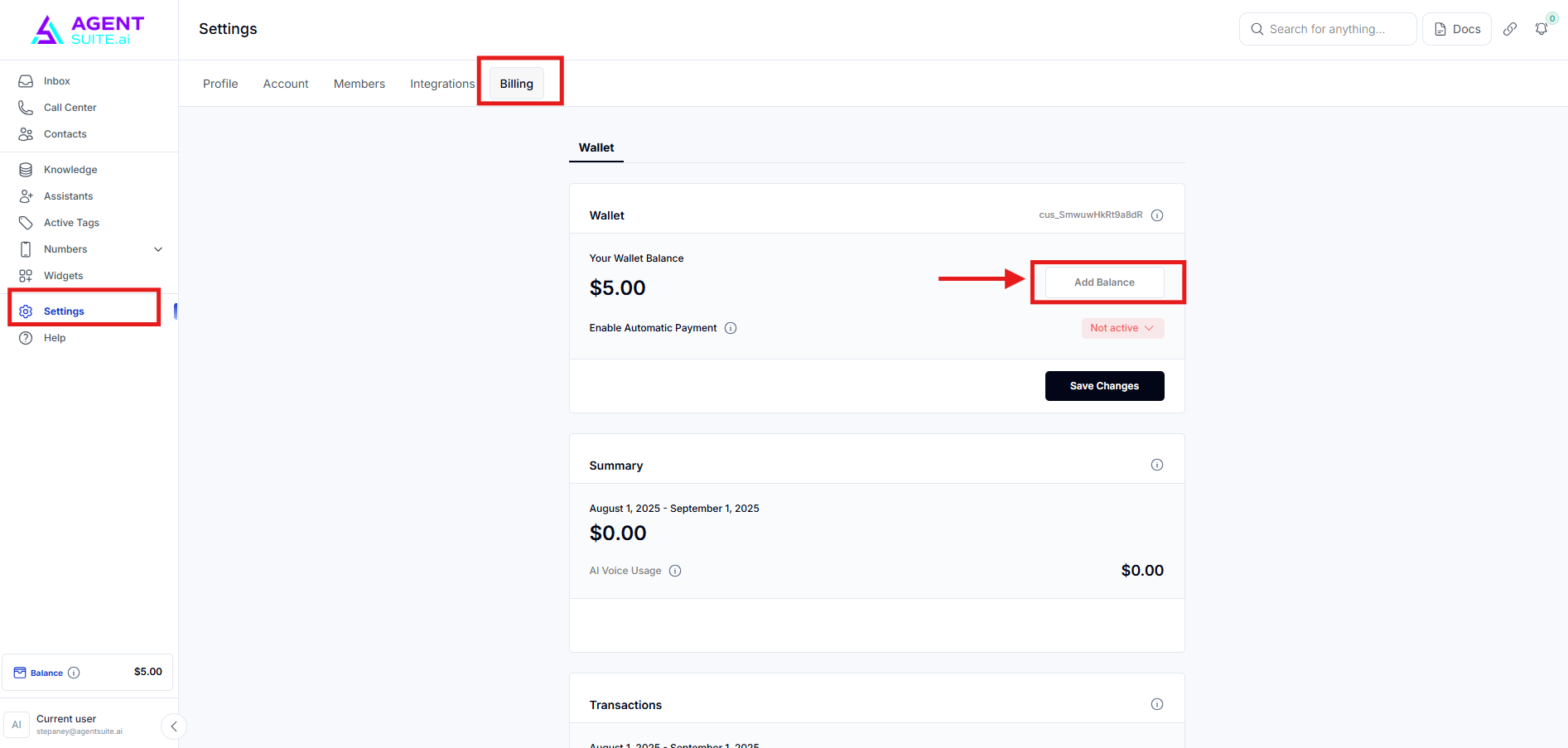
Add your initial balance to your account.
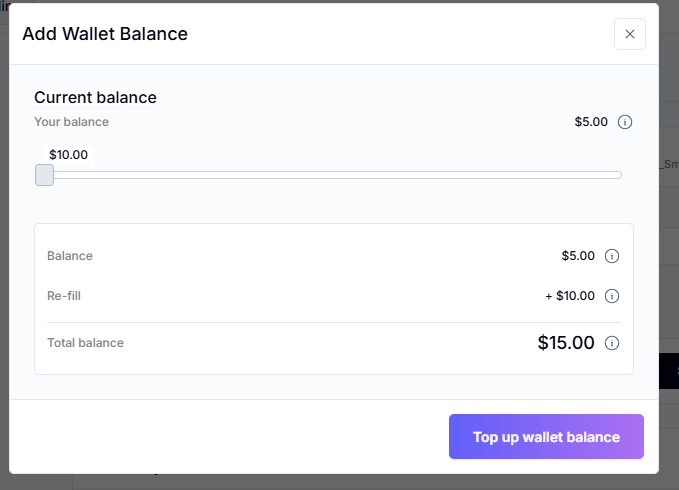
Use the sliding bar to choose how much your inital deposit will be.
Scan the QR code to access the Stripe checkout page where you can securely enter your payment information and complete the inital deposit transaction. Close the QR code when done.
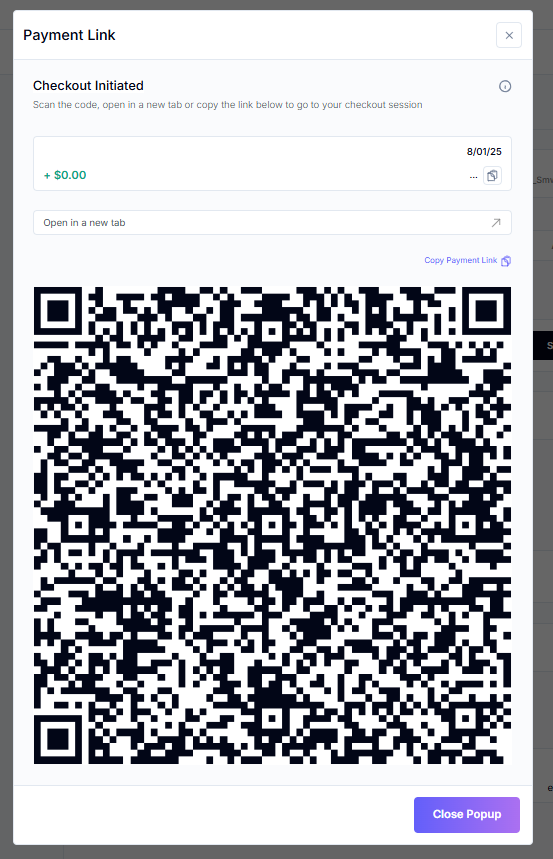
Click the ‘‘not active” button to enable the auto payment. If the payment QR code comes up again, your payment information was not properly saved. Please input it again.
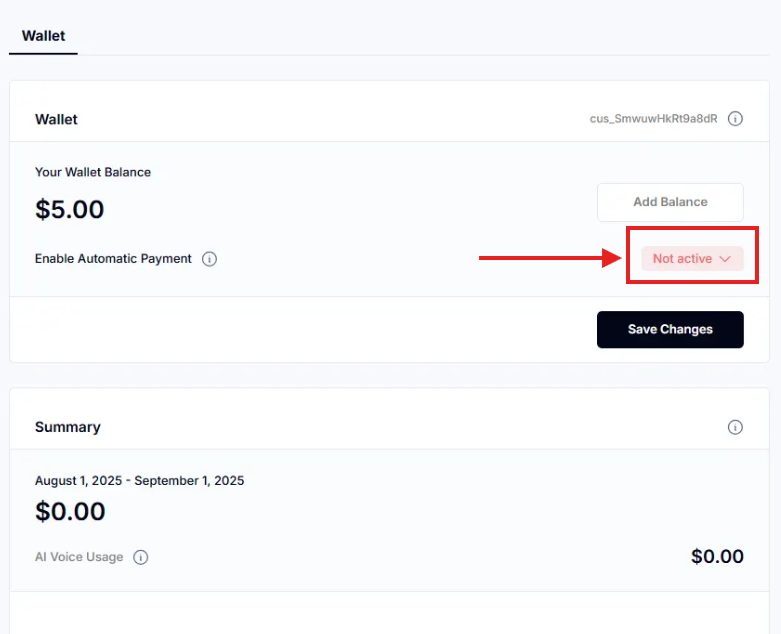
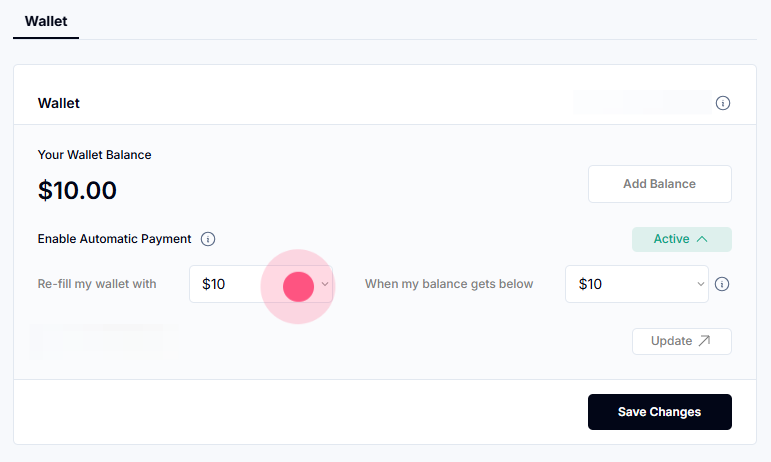
6. Choose the amount that will be automatically added to your account once your balance falls below the preset threshold. Set the threshold amount that will initiate an automatic deposit when your balance falls below it. Click Save Changes.