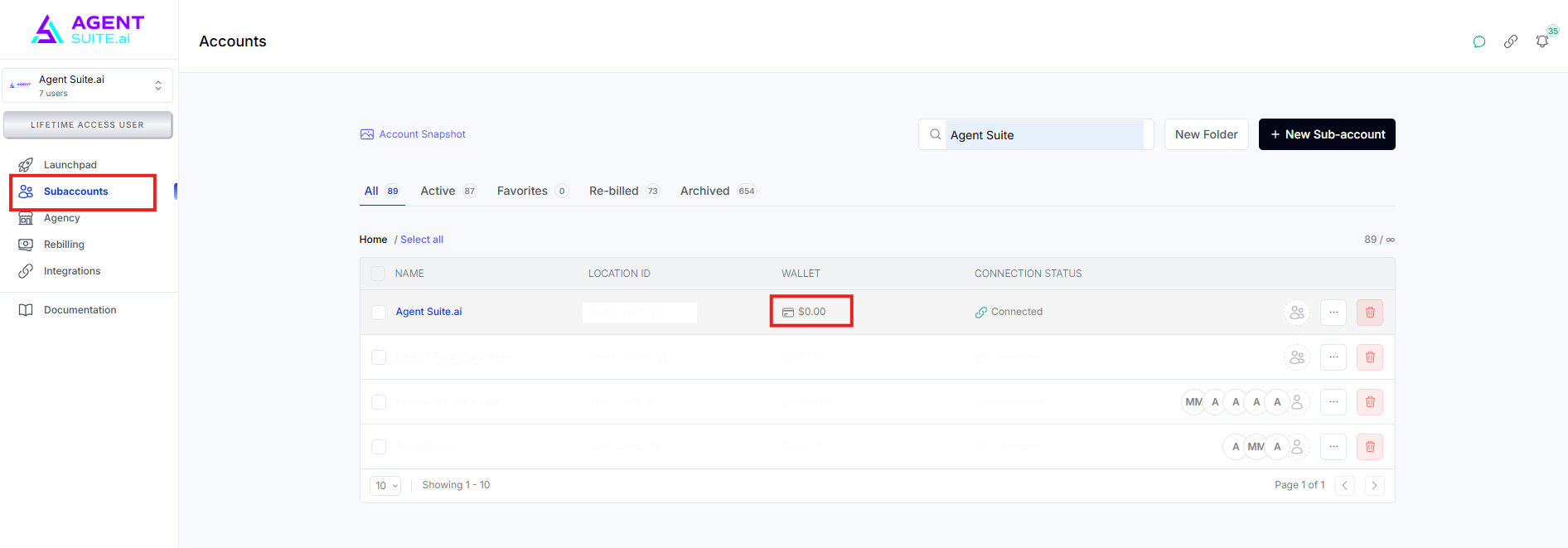
Step-by-Step Instructions
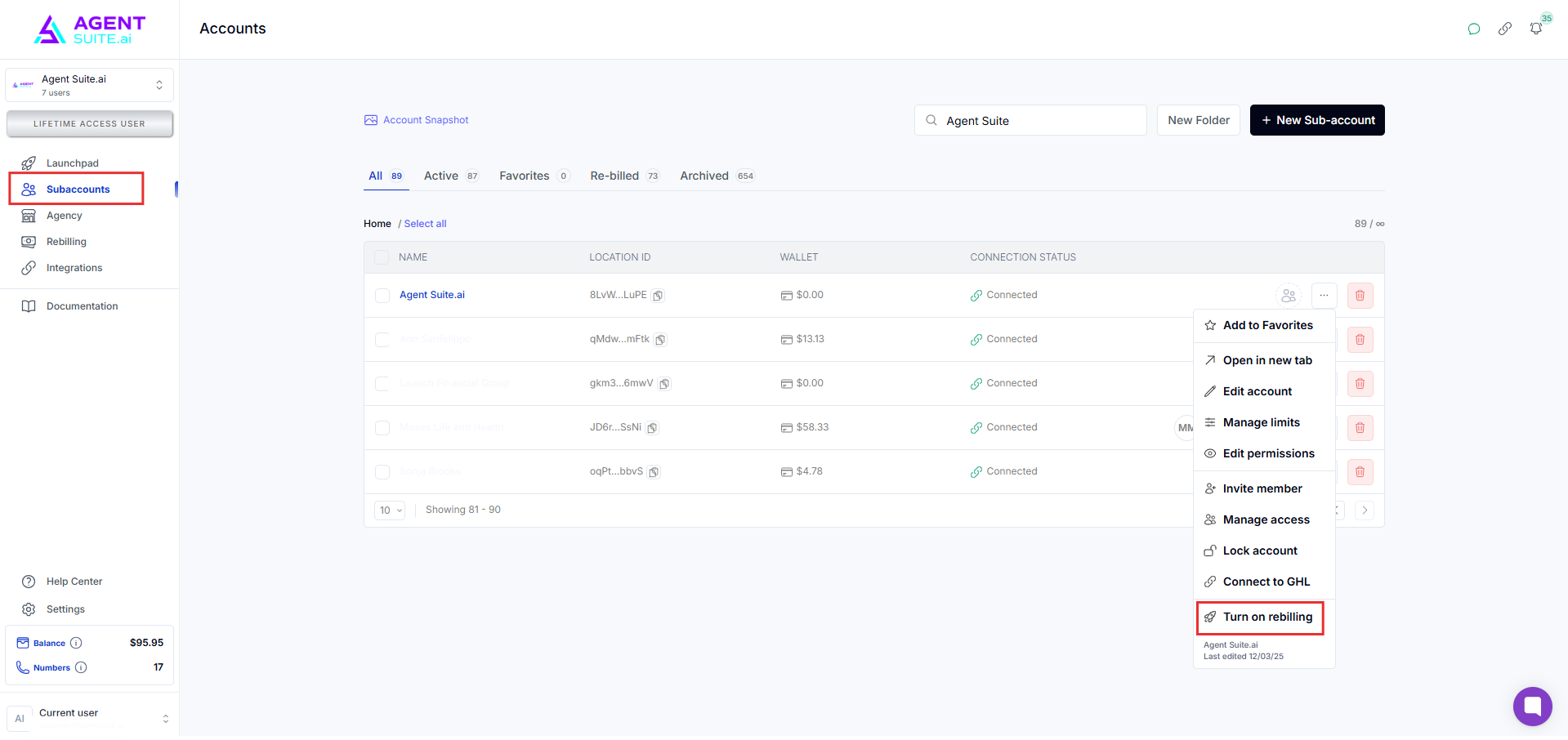
Go to your workspace and navigate to the Subaccount menu. Select the subaccount, click the three dots, and choose 'Turn On Rebilling’.
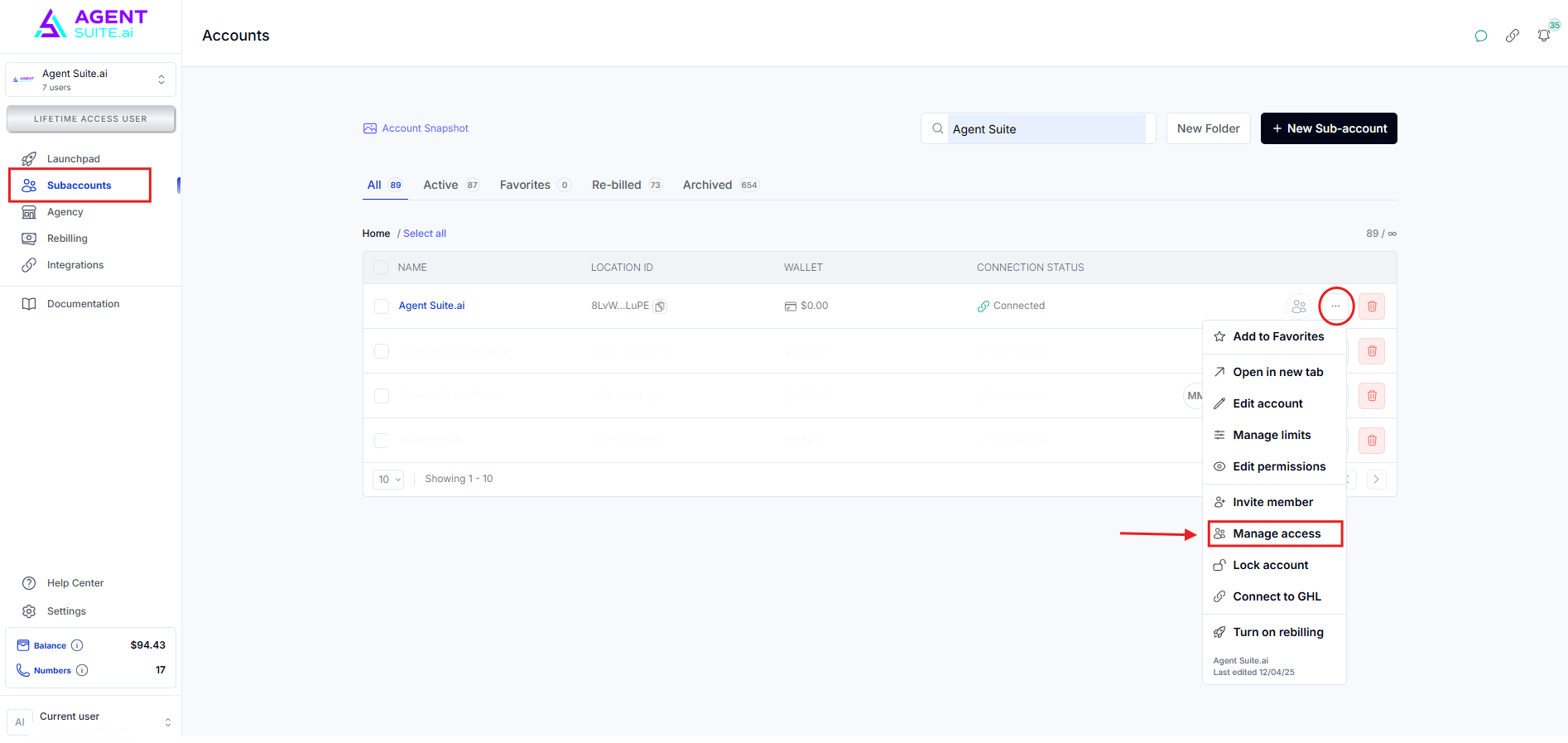
Select Manage Access.
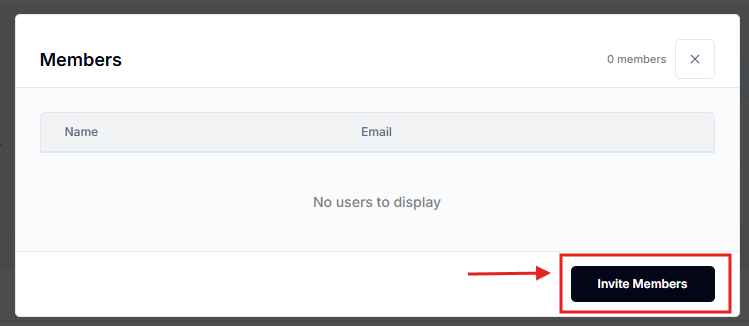
Click on invite members by entering the email address responsible for managing the wallet balance. Then click the Send Invite button. They will now have permission to set up the wallet.
The credit card icon means rebilling has successfully been setup.