
Step-by-Step Process:
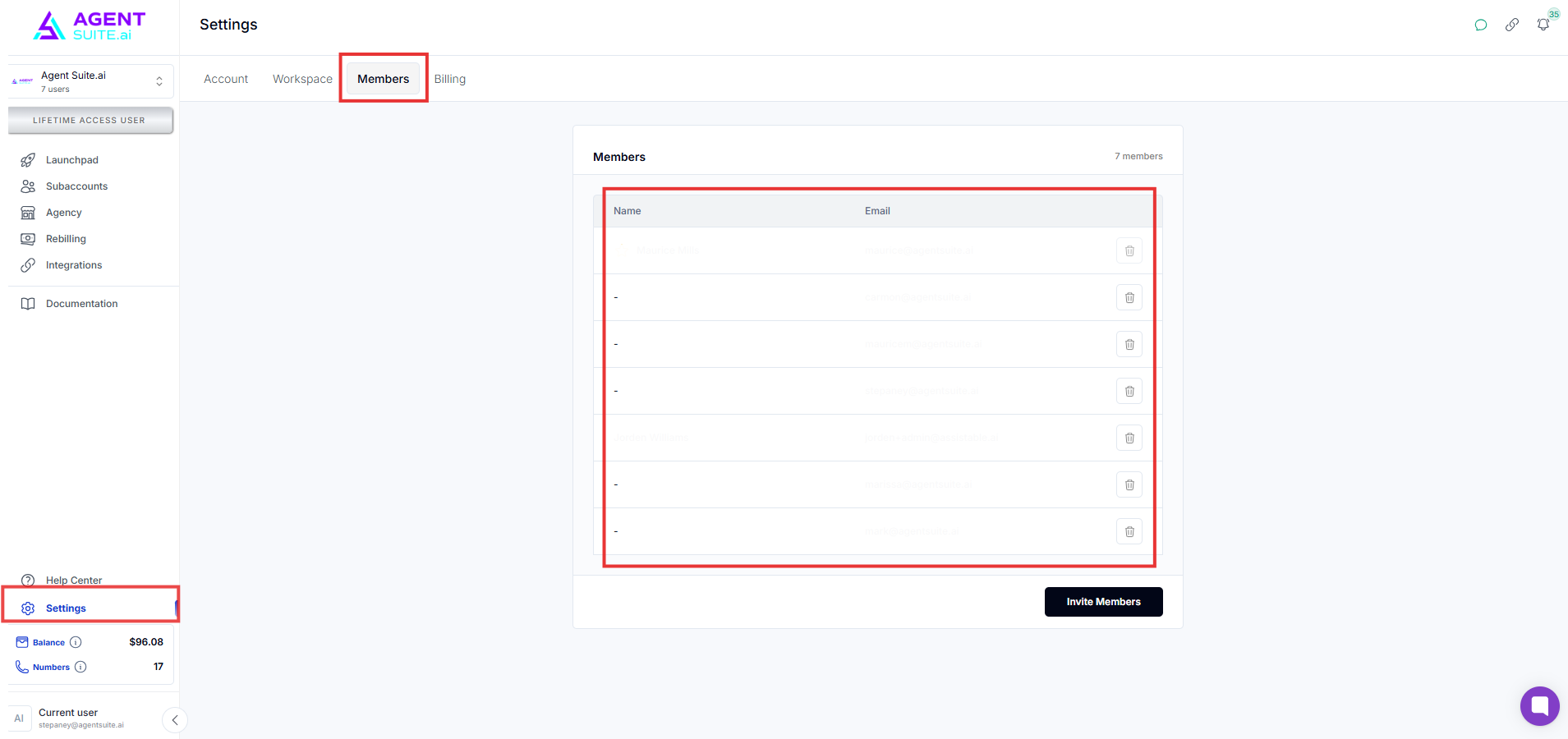
1. Access the Members Section
From your main workspace, go to Settings > Members.
2. Invite a New Member
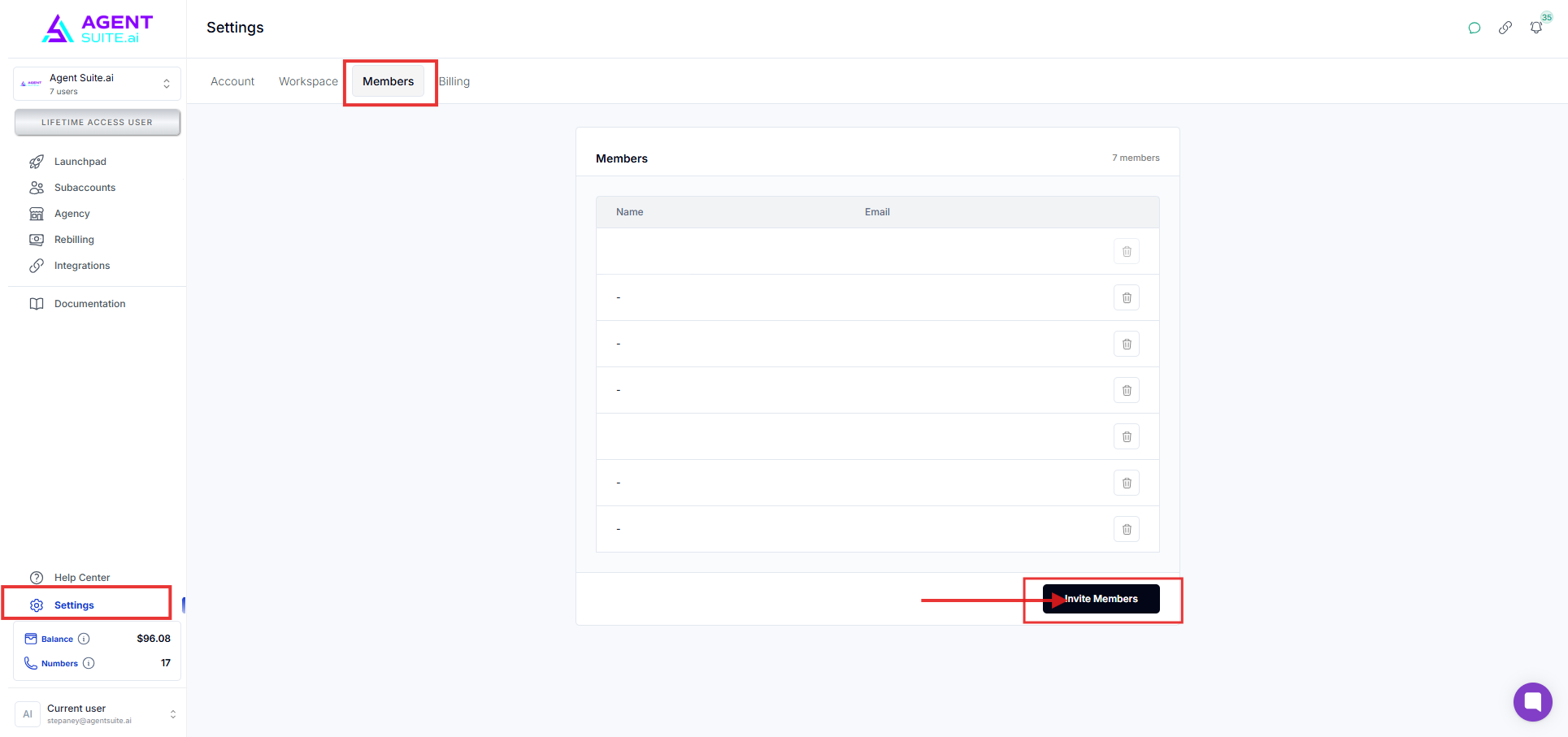
Click “Invite Member”
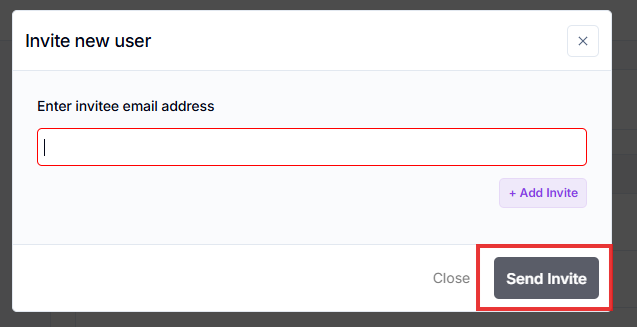
Enter the user's email address.
Click Send Invite.
✅ If the email isn’t associated with a GoHighLevel account, the system will automatically create one and send a password reset link to the user.
✅ The user will receive an email saying they've been added to your workspace.
3. Remove a Member (If Needed)
Still in Settings > Members, find the user you want to remove.
Click the “Remove” button next to their name "Trash Icon".
That user will be immediately removed and will no longer have access to your workspace.
FAQs
Q: What if the invited user doesn’t have a GoHighLevel account?
A: One will be created automatically. They'll get a password reset email.
Q: Do users get notified when they’re removed?
A: No, but their access is revoked instantly.
Q: Can I invite multiple users at once?
A: No, each user must be invited individually using their email.