Your Business Physical Address is a very important component of your Business Profile. This information not only can be used when verifying your business for certain features that may need verification, but it can also be used when adding Custom Fields and Custom Values in messages, social posts, email campaigns, websites, and even funnels.
These fields act as the single source of truth for location and locale preferences in HighLevel. Complete each entry carefully, matching official records where noted. After updating, save your changes and spot-check a booking page and a test email/SMS to confirm that dates, times, and formatting look correct.
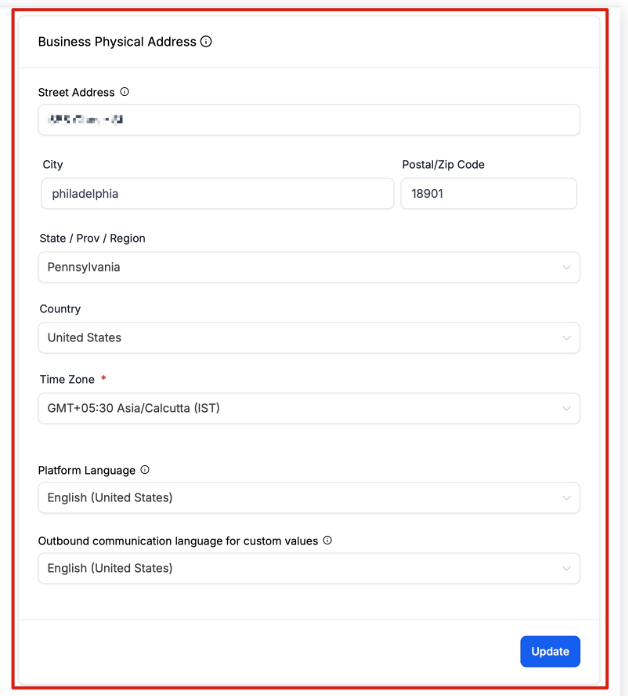
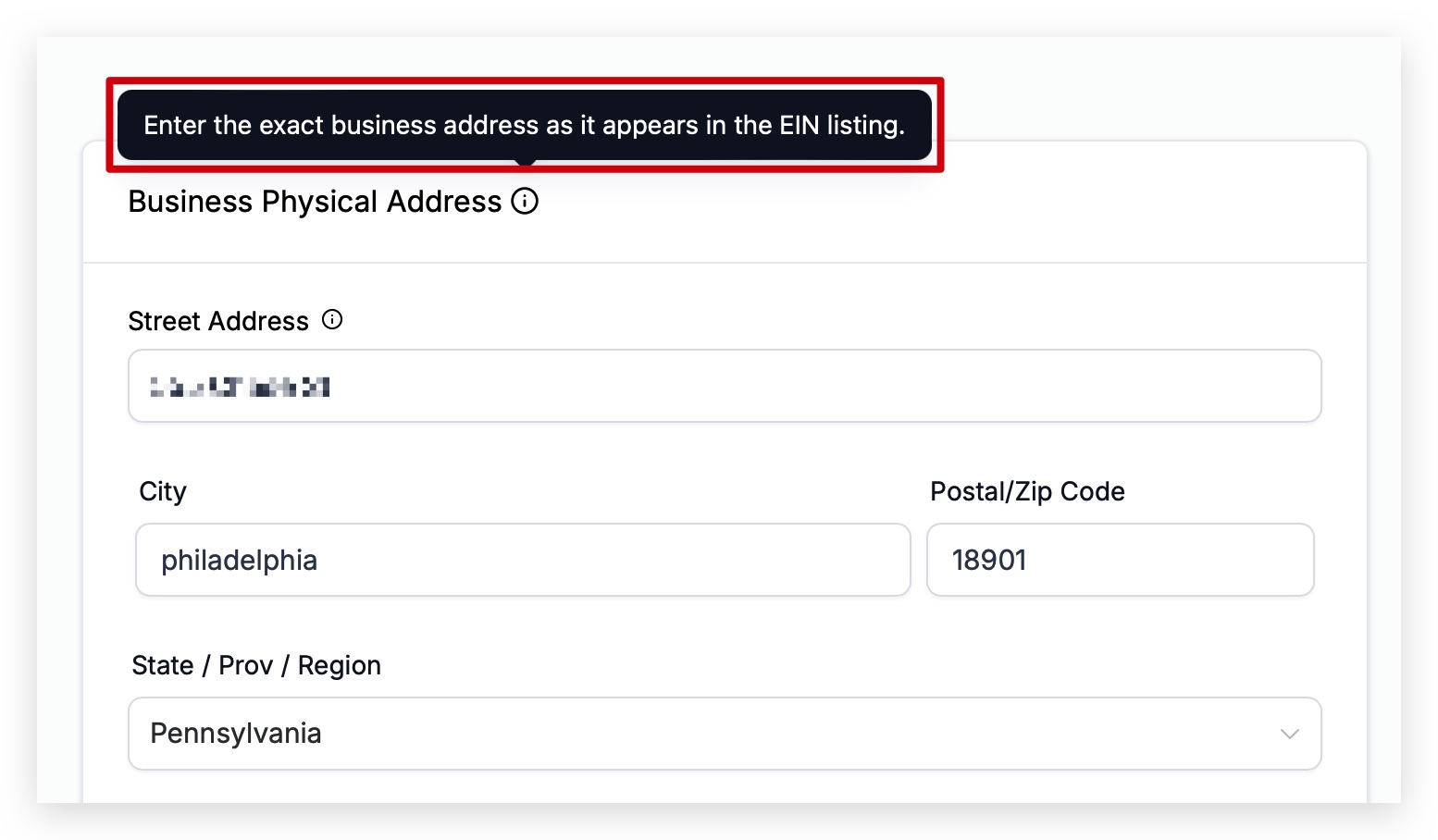
The Business Physical Address should match the address on your EIN listing. This information may be used to verify your business if needed.
Automated events within campaigns work with this field to determine when to send. You may be able to override this default timezone setting depending on the feature being used, such as workflows or email campaigns. Always check your business profile settings and the settings of the feature being used to make sure the correct time zone is selected.
This setting controls what language your sub-account displays in. Meaning, if you speak and read English, you would want your HighLevel sub-account to be displayed in English. If you speak and read Spanish, you would most likely want your sub-account to be displayed in Spanish.
When you are sending Custom Fields and Custom Values in messages, HighLevel needs to know how you want that information to be displayed to the person or persons receiving the message. Selecting the proper language here will make sure that when you send a message with Custom Fields or Custom Values, or use Custom Fields and Custom Values anywhere else such as in websites and funnels, that the correct language is being displayed.
To see a list of the Custom Fields and Custom Values that are affected by changing the default language, take a look below.
English
Spanish
French (France)
French (Canada)
Dutch
German
Portuguese (Brazil)
Portuguese (Portugal)
Italian
Swedish
Danish
Finnish
Norwegian
Below is a list of custom fields and custom values that are affected by changing the language in this setting. Please be aware that more may be added and affected in the future. We will do our best to update this list as needed:
{{appointment.start_time}}
{{appointment.end_time}}
{{appointment.only_start_date}}
{{appointment.only_end_date}}
{{appointment.only_start_time}}
{{appointment.only_end_time}}
{{appointment.month}}
{{appointment.month}}
{{appointment.day_of_week}}
{{right_now.time}}
{{right_now.day}}
{{right_now.day_of_week}}
{{right_now.month}}
{{right_now.month_english}}
{{right_now.month_name}}
{{right_now.middle_endian_date}}
{{right_now.little_endian_date}}
{{right_now.hour}}
{{right_now.hour_ampm}}
{{right_now.second}}
{{right_now.date}}