
Business Information captures your business type, industry, registration identifiers, and regions of operation. Accurate data here reduces delays in external reviews (e.g., A2P 10DLC) and keeps downstream compliance and reporting consistent.
Filling out this section with information about your business is very important. This information includes things like your registration type and number (EIN, CCN, VAT, etc.) and your regions of operations. Running a legitimate and registered business can be the difference between getting approved or denied when submitting for approval to send SMS messages.
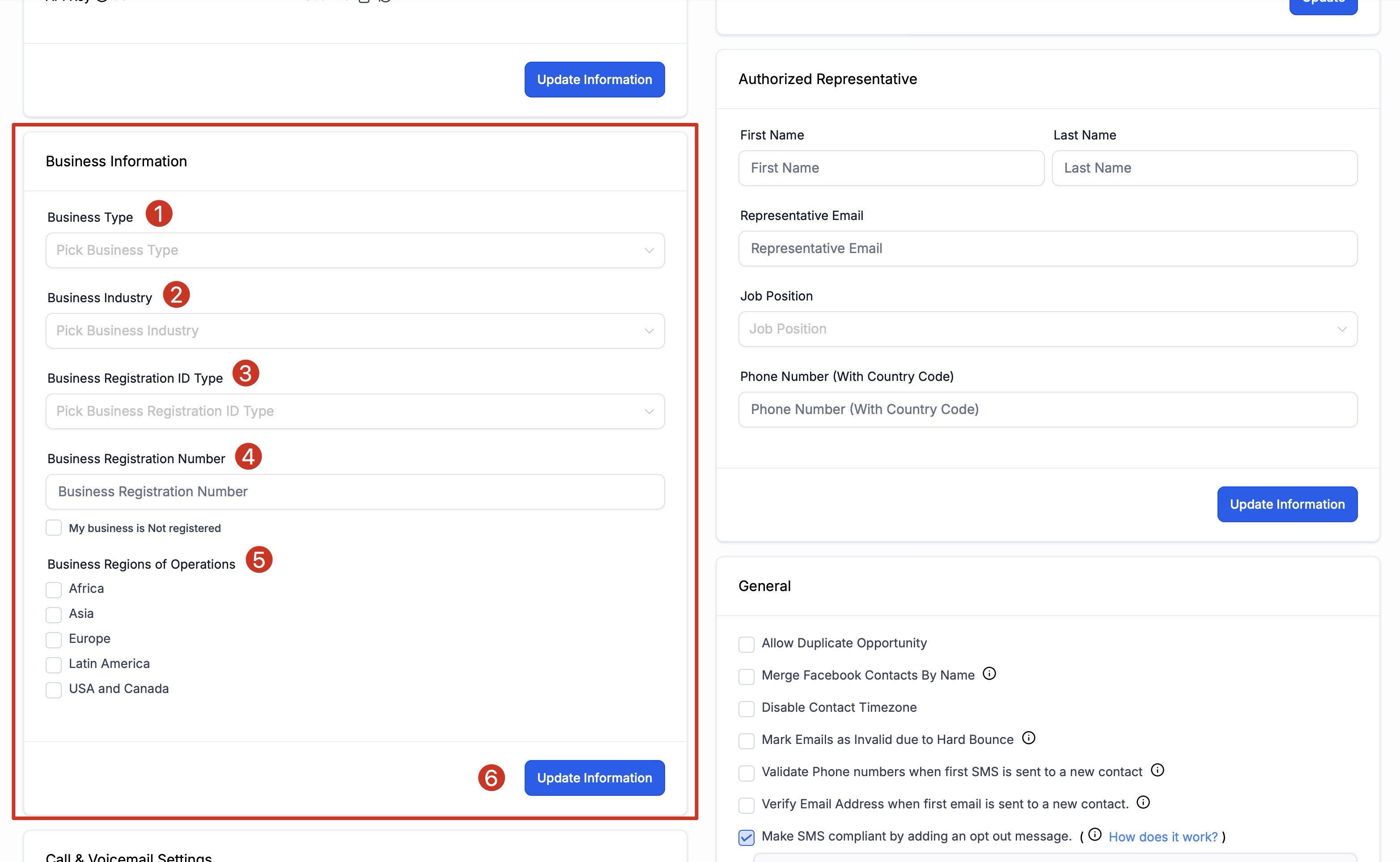
1. Business Type
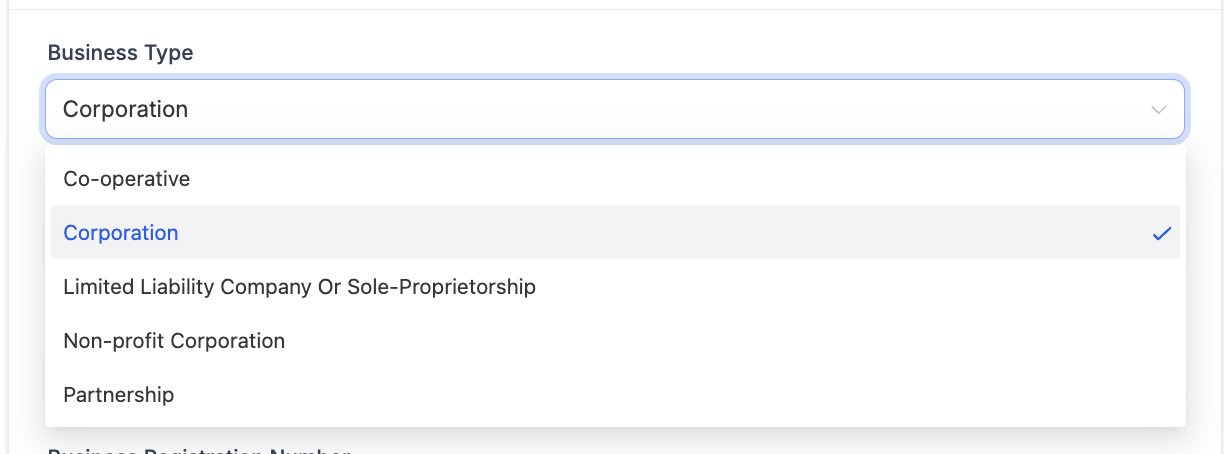
Select the type of business you created. The drop-down will give you the following options to choose from:
Co-operative
Corporation
Limited Liability Company (LLC) or Sole-Proprietorship
Non-profit Corporation
Partnership
2. Business Industry
Select the industry that you primarily serve. We understand that you may serve many different industries, but please select the one that best describes or most describes your target market.
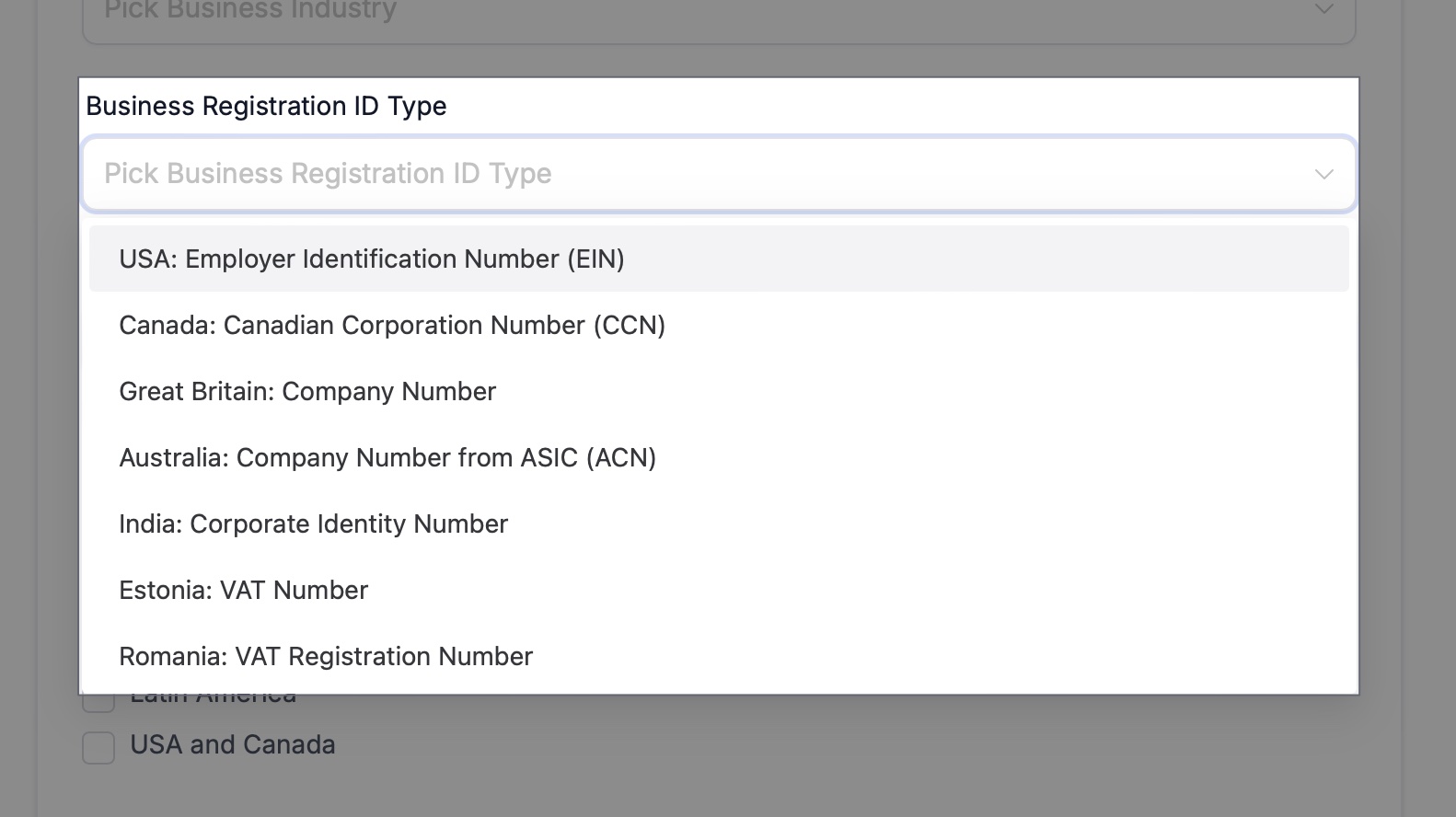
3. Business Registration ID Type
Select your business' registration type. If you are in the United States, you most likely will have an EIN unless you incorporated your business in a different country.
4. Business Registration Number
After you select your business's type of registration, you can add your registration number here.
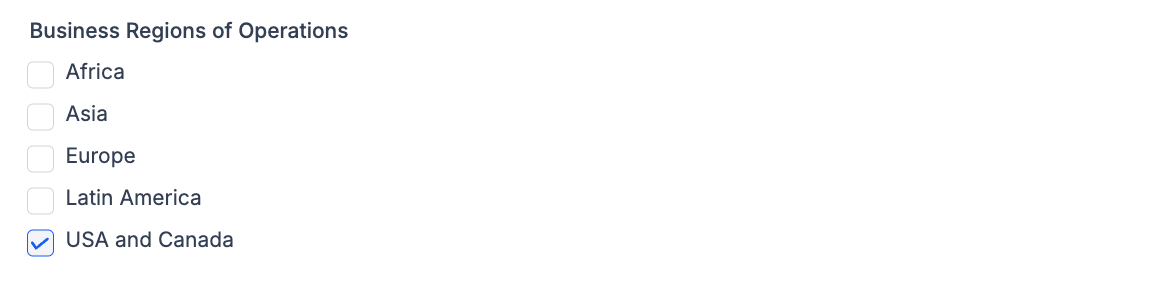
5. Business Regions of Operations
Select the regions your business operates in. If you are a global company, select the regions that you do most of your sales in. This is a multi-select setting, so you are able to choose more than one region.
6. Update Information
Make sure you always click the blue Update Information button after making changes so that your changes are properly saved.