
What is the Business Profile?
Your Business Profile is the section of your sub-account settings where you can assign company data and configure settings that are applied across the entire sub-account. Setting up this section, and spending a few minutes configuring the settings, is critical to the way your sub-account operates.
Click the Settings navigation item on the left side of your screen. Once you are in Settings, the Business Profile will be the first navigation button in the Settings menu on the left-hand side of your screen.
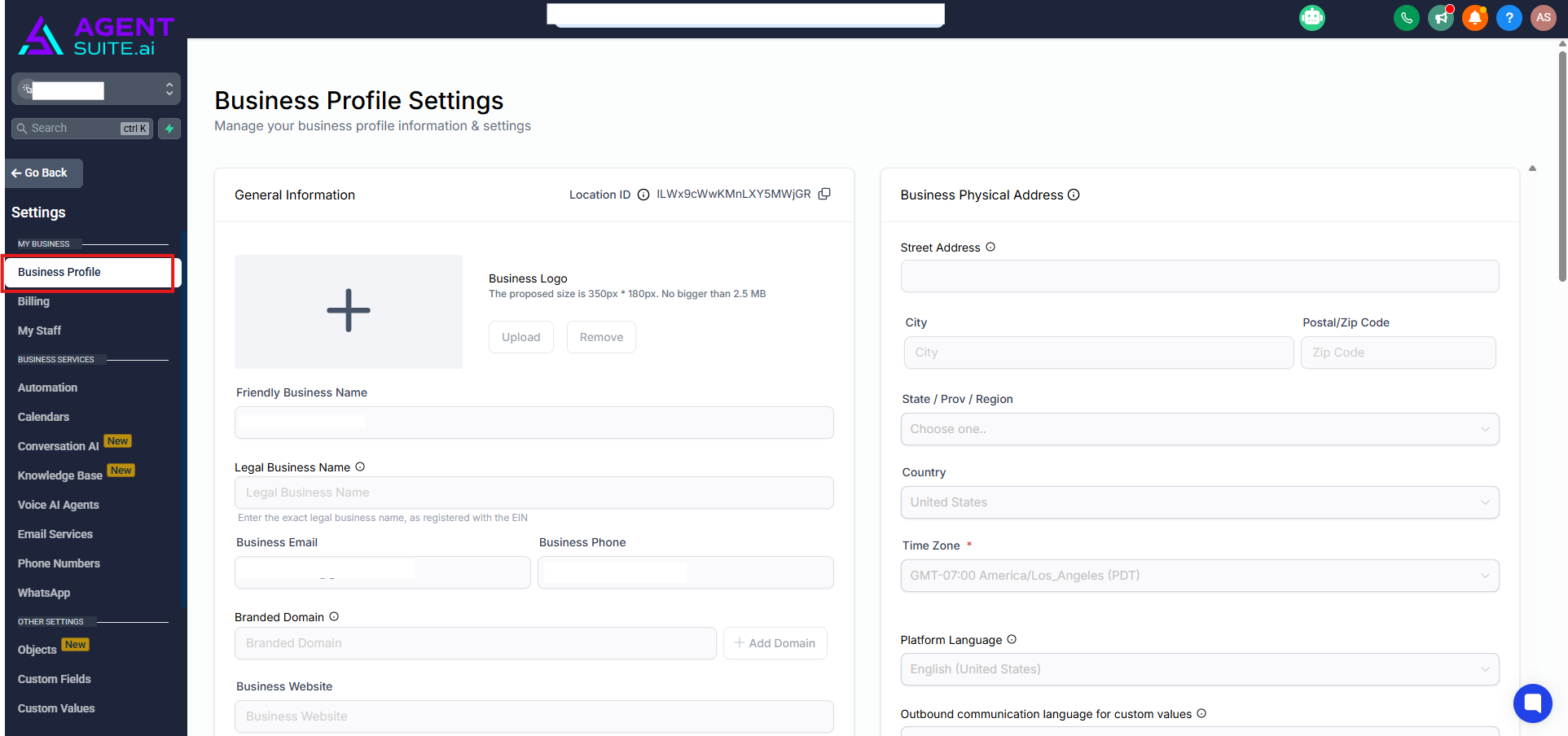
What is in the Business Profile Settings?
Business Profile Settings is broken up into 7 sections. Each is listed out below along with a link to more information on that section:
General Information
Stores your brand identity and key account details—logo, business names, email/phone, branded (API) domain, website, niche, default currency, and API key.
Business Physical Address
Captures your official address and base locale settings, including Business Time Zone, Platform Language, and Outbound Communication Language for formatting dates and numbers.
Business Information
Defines your legal entity type, industry, registration ID/number, and regions of operation used for compliance, approvals, and reporting.
Authorized Representative
Records a designated person (name, title, email, phone) who can verify your business during compliance reviews and carrier approvals.
General
Holds global behavior toggles that affect duplicates, booking time zones, verification, compliance defaults, bot detection, and related communication behavior.
Contact Deduplication Preferences
Controls whether duplicates are allowed and sets the primary/secondary fields (Email, Phone) used to match new submissions to existing contacts.
Enable / Disable Deprecated Features
Shows or hides legacy modules so teams can audit or migrate old assets while standardizing on modern features like Workflows.