Dashboard widgets are versatile and customizable tools that simplify data visualization and analysis. They provide quick access to key metrics, enabling efficient monitoring and enhanced reporting. Adding widgets to your dashboard is straightforward—just click the “Add Widget” button in the top-right corner to get started.
Whether you prefer using predefined chart types or designing custom widgets tailored to your needs, dashboard widgets offer unmatched flexibility. The intuitive edit mode allows you to easily manage and customize your dashboard, ensuring it aligns perfectly with your workflow. These features empower you to create dynamic dashboards that streamline data analysis and drive smarter decision-making.
OPPORTUNITY WIDGET - Visualize the status of your opportunities.
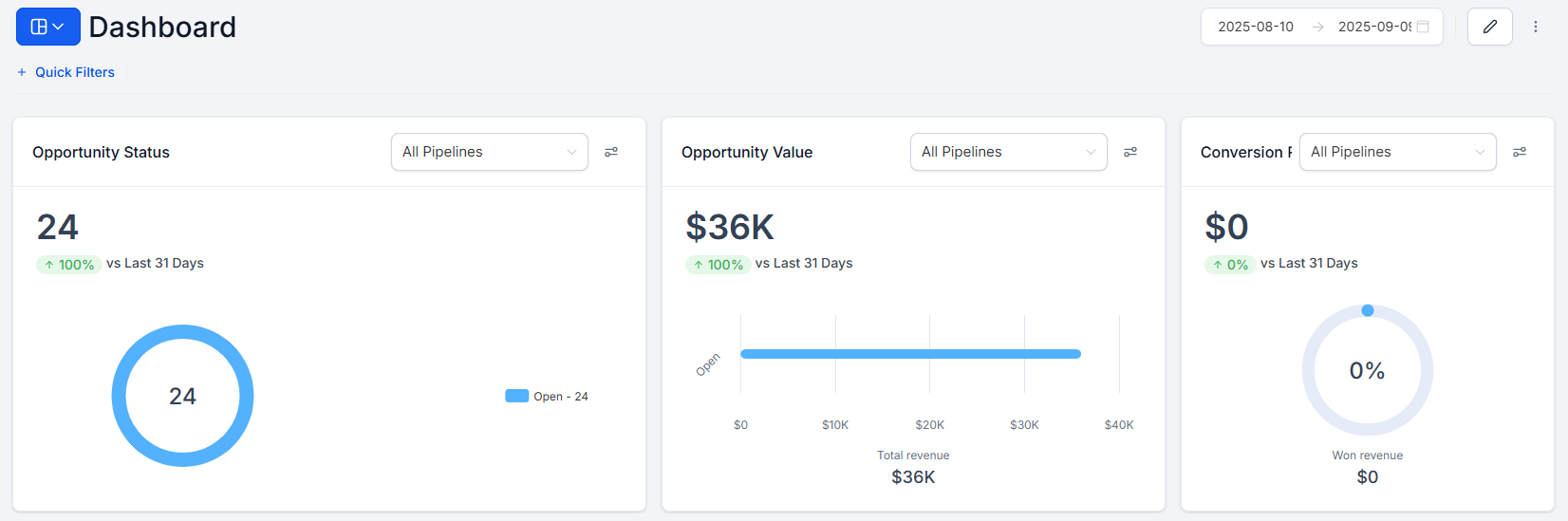
Opened Opportunities: Use this widget to see how many opportunities are currently open. Helpful for real-time tracking.
Won Opportunities: Keep a record of opportunities you've successfully closed as deals.
Lost Opportunities: Monitor opportunities that did not convert into deals.
Abandoned Opportunities: Keep an eye on opportunities that were left without action.
Opportunity Count: Get an overview of your total opportunities.
Opportunity Counts Over Time: Visualize how opportunities have been distributed over different time periods.
Opportunity Revenue Over Time: Track the revenue generated by opportunities over time.
Opportunity Counts by Status: Categorize your opportunities by status (e.g., "In Progress," "Closed").
Opened Opportunity Value: Understand the monetary value of opportunities currently in progress.
Lost Opportunity Value: See the value of opportunities that were lost.
Abandoned Opportunity Value: Monitor the monetary value of abandoned opportunities.
Won Opportunity Value: Keep track of the monetary value of opportunities that converted into deals.
Total Opportunity Value: Get an overview of the cumulative monetary value of all opportunities.
Lost Opportunities By Reason: Split of all lost opportunities by the reason
FUNNEL WIDGET - Get a detailed view of your sales funnel and conversion rates at each stage.
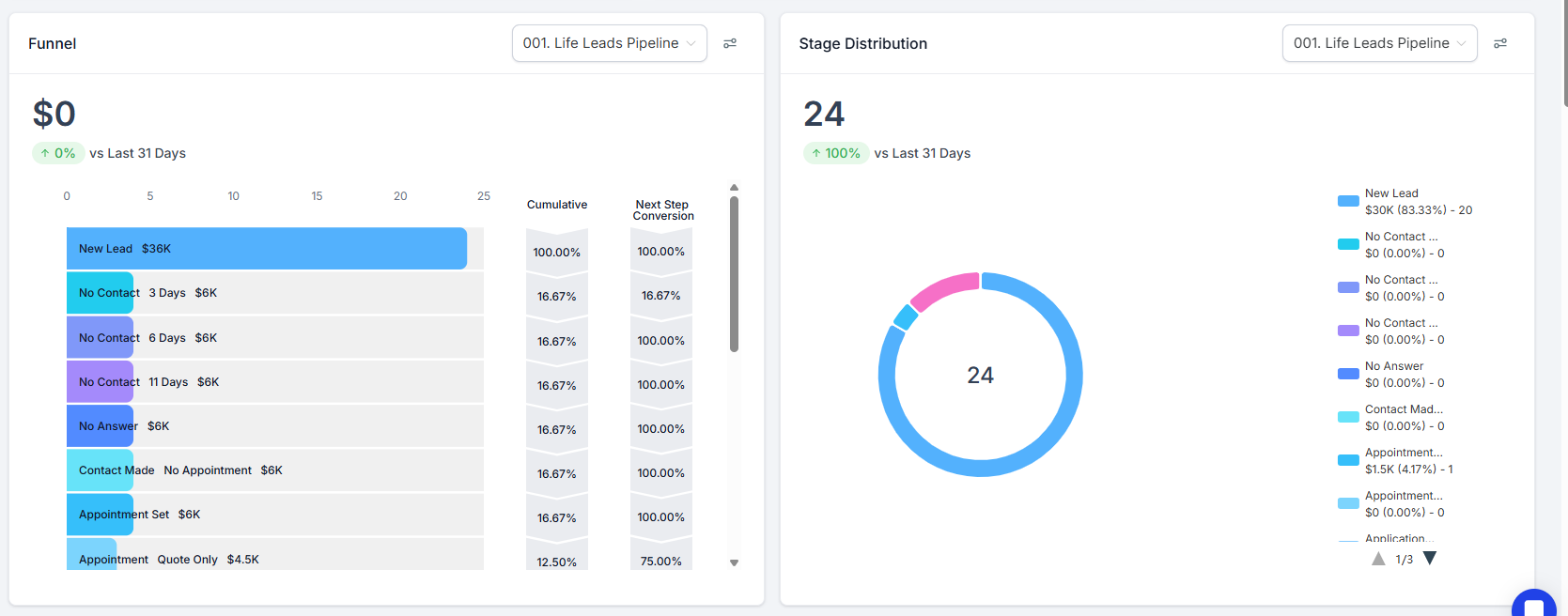
Total Funnel Views: Tracks all funnel views (customizable by funnel and page type).
Unique Funnel Views: Counts unique visitors across your funnels.
Total Website Views: Tracks total views for all websites.
Unique Website Views: Shows unique visitors for all websites.
Funnel Views Trend: Line chart tracking funnel views over time.
Website Views Trend: Line chart showing website view trends.
Top Funnels by Unique Views: Top 5 funnels based on unique views.
Top Websites by Unique Views: Top 5 websites by unique visitors.
Total Funnel Page Views (Last Week): Funnel views over the last week.
Unique Funnel Views (Last Week): Unique funnel visitors in the past week.
Total Funnel Page Views (Last Month): Total funnel views in the last month.
Unique Funnel Views (Last Month): Unique funnel views in the last month.
Total Opt-ins (All Funnels): Total opt-ins across all funnels.
