
Contact Support
Reach out to our support team to request WAVV Dialer activation. You can do this in two ways:
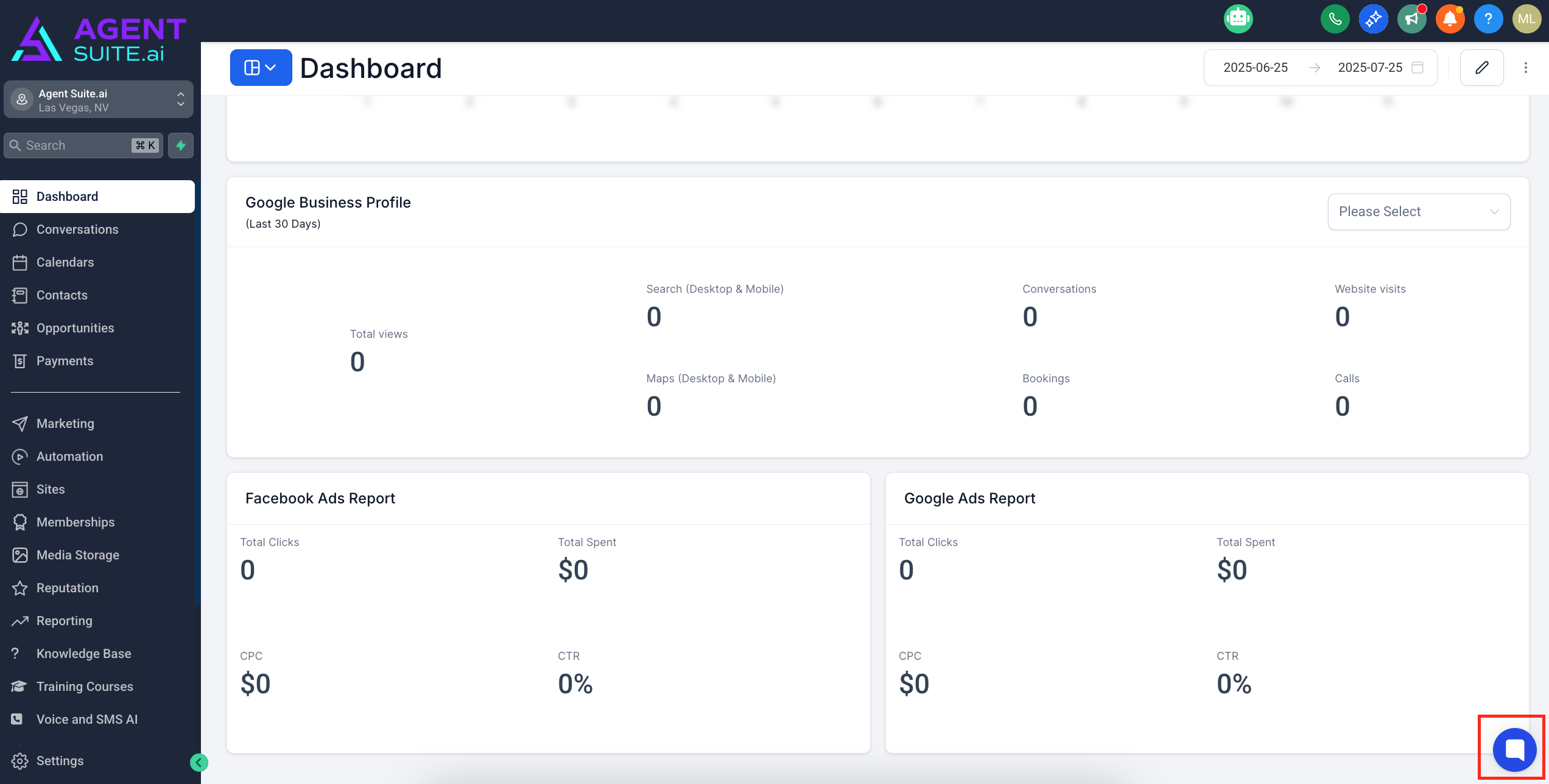
Live Chat: Use the support chat widget located on the bottom right corner of your dashboard.
Email: Send a message to [email protected] with your request.
Wait for Activation Confirmation
Once your request has been processed and the WAVV Dialer is enabled, you’ll notice the WAVV Dialer icon appear in the Toolbar section of your AgentSuite dashboard.
Choose a Plan
Click on the WAVV Dialer in your Agent Suite Toolbar and select a subscription plan that best fits your needs. When you sign up for WAVV, please use this promo code: AGENTSUITE-PROMO
Onboarding with WAVV
After you’ve chosen a plan, a WAVV representative will reach out to you directly to walk you through the onboarding process and help you get fully set up.
Help and Center
WAVV Support Email
[email protected]
WAVV Support Website URL
https://help.wavv.com
WAVV Support Phone Number
+1801-849-9562